Genie SilentMax 1200 WiFi Setup Troubleshooting: Solutions for Connection Issues
WiFi connectivity problems with the Genie SilentMax 1200 opener can leave homeowners stranded, unable to use smartphone controls or receive operational alerts. This guide addresses the most common error codes and connection failures, offering practical solutions to restore your smart garage system quickly.
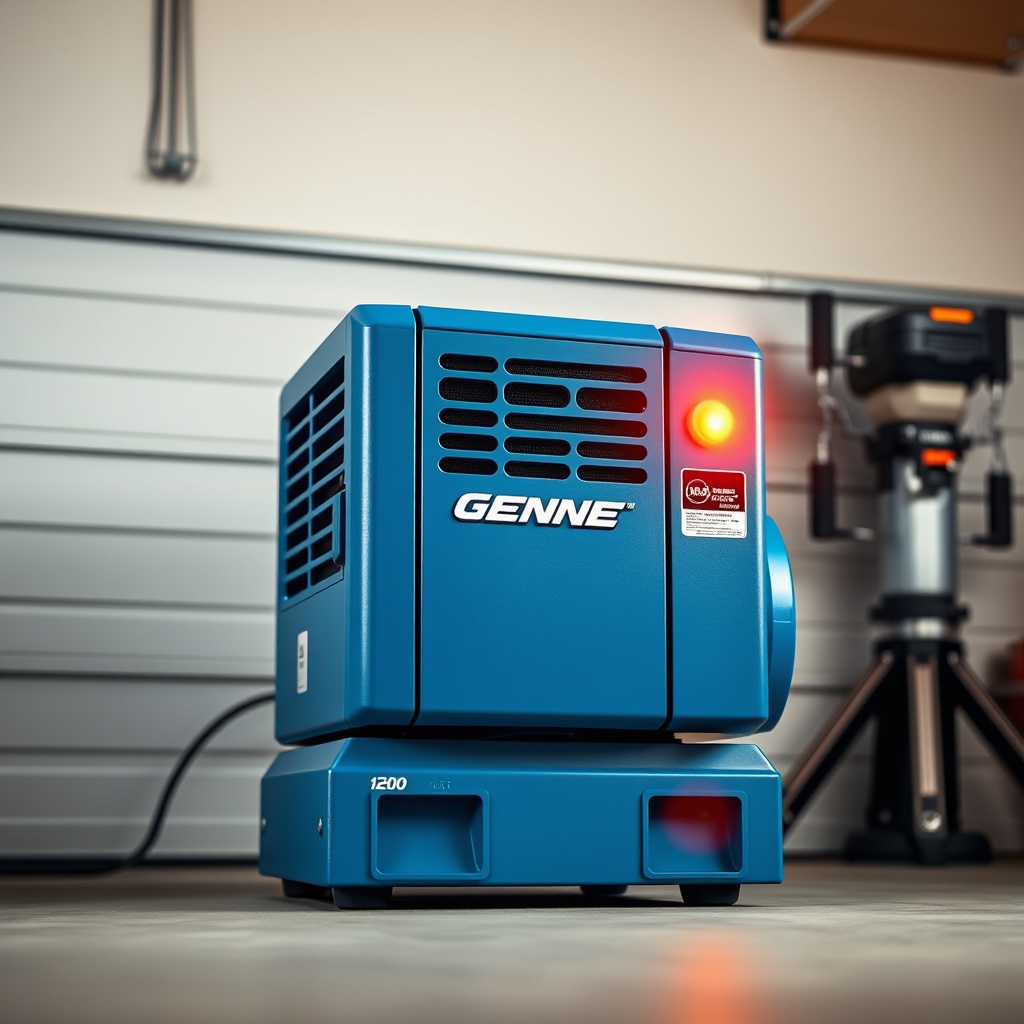
Why Does My Genie SilentMax 1200 Show a Solid Orange Light on the Motor?
A solid orange LED on the motor unit typically indicates that the WiFi module is in setup mode but unable to establish a stable network connection. This often happens after a power outage, router change, or firmware update failure. First, ensure your router operates on 2.4 GHz frequency—many dual-band routers default to 5 GHz, which the opener does not support. Access your router settings and create a dedicated 2.4 GHz SSID if necessary. Power cycle both the garage door opener and your router: unplug the opener for 30 seconds, restart the router, wait two minutes, then reconnect the opener. The light should transition from solid orange to blinking green during successful pairing.
If the colour persists, check your smartphone app for conflict resolution. The Genie Aladdin Connect app requires location permissions to detect the opener’s broadcast signal. Ensure Bluetooth is not interfering—disable it temporarily during the initial setup. For persistent issues, refer to the Genie SilentMax 1200 Remote Programming: DIY Guide for All Models for alternative pairing methods.
How Do I Resolve the “WiFi Fault – Code 5” Error?
Error Code 5 on the Genie SilentMax 1200 means the opener cannot verify the network password. This frequently occurs after a router security update or password change. Begin by confirming you are entering the correct password—case sensitivity matters, and special characters can cause failures. Reset the WiFi module by holding the “Learn” button on the motor unit for 10 seconds until the LED turns off and back on. Then, open the Aladdin Connect app, select “Add Device,” and enter the network credentials manually, avoiding auto-fill suggestions.
If the error persists, check for MAC address filtering on your router. Some security setups block new devices by default. Temporarily disable this filter, attempt the connection, then re-enable it. Alternatively, move the opener closer to the router—metallic garage doors can degrade signal strength. The unit should be within 30 feet ideally. For advanced wiring concerns that may affect power to the WiFi board, see the Genie SilentMax 1200 Safety Sensor Wiring: Step-by-Step Guide to rule out voltage irregularities.
What Does a Flashing Red Light Mean During WiFi Setup?
A flashing red light on the Genie SilentMax 1200 indicates that the opener detected a network but cannot assign an IP address. This is typically a router-side DHCP issue. First, reboot your router by unplugging it for two minutes. If the problem remains, log into your router admin panel and ensure the DHCP server is enabled. Check for IP address conflicts—another device on your network may have taken the same address. Release and renew the DHCP lease from the router menu.
Some routers limit the number of connected devices. Verify you haven’t reached the maximum device limit. If you have smart home hubs like Amazon Echo or Google Nest, consider disconnecting a few temporarily. For openers that have undergone motor replacement, resetting the logic board can restore proper network function. The Genie SilentMax 1200 Opener Motor Capacitor Replacement Guide includes steps to fully discharge and reset the circuit board, which can clear DHCP errors.
| Error Indicator | Meaning | Severity | DIY Fix Priority |
|---|---|---|---|
| Solid Orange Light | Setup mode, no connection | Medium | 1 – Check 2.4 GHz, power cycle |
| Flashing Red Light | DHCP or IP conflict | High | 2 – Reboot router, free IP |
| Rapid Blinking Green | Connected, no internet | Medium | 3 – Check internet stability |
| Solid Green with No App Control | Firmware or server issue | Low | 4 – Update app or firmware |
| Two Short Red Flashes Every 5 Seconds | WiFi module hardware fault | Critical | 5 – Replace WiFi module |
Why Does My Opener Keep Disconnecting from WiFi After a Few Minutes?
Intermittent disconnection often points to signal interference or power fluctuations. The Genie SilentMax 1200’s wireless module is sensitive to radio frequency interference from nearby devices like baby monitors, cordless phones, or microwave ovens. Identify sources of interference and move them at least 3 metres away. Additionally, check the opener’s power supply—loose connections at the terminal block can cause the circuit to momentarily drop power, resetting the WiFi. Tighten all wires at the motor head, especially the red and white wires from the transformer.
Network congestion is another culprit. In homes with numerous smart devices, channel overcrowding is common. Use a WiFi analyser app to find the least congested channel for your 2.4 GHz network and set it manually in the router settings. If disconnections persist, update the opener’s firmware via the Aladdin Connect app—outdated firmware is a known cause of stability issues. For more precise calibration that can reduce motor strain and power draw (which indirectly affects WiFi stability), consult the Genie SilentMax 1200 Limit Switch Adjustment: Precise Calibration Guide.
How to Fix “Device Not Found” When Scanning for WiFi?
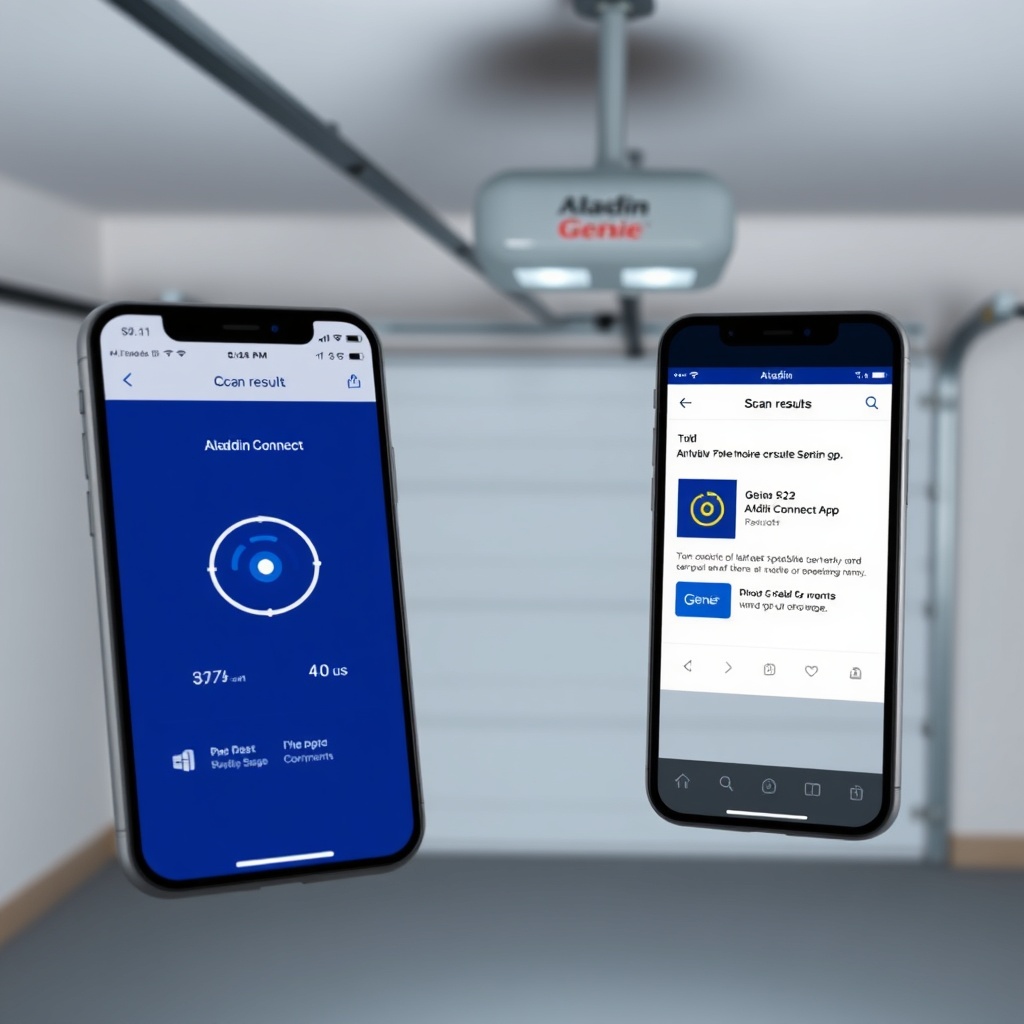
When the Aladdin Connect app fails to locate the opener during the scan, the issue is often with the opener’s broadcast signal. Ensure the opener is in WiFi setup mode by pressing the “Learn” button twice—the orange light should be solid. If the light is off, the module may be powered down. Check the circuit board for a tripped fuse or blown capacitor; the Genie SilentMax 1200 Safety Sensor Testing: DIY Tutorial includes voltage test points that can confirm power to the board.
Another common cause is Bluetooth interference from your phone. Turn off Bluetooth completely, then restart the scan. If you are using an Android phone, ensure location services are enabled—this is mandatory for WiFi scanning in Android 10 and later. For iPhone users, go to Settings > Privacy > Local Network and ensure the Aladdin Connect app has permission enabled. If the scan still fails, the opener’s WiFi module may be defective. Genie sells replacement modules for approximately £35 to £45, and installation involves snapping the unit into place.
What Owners Say About Genie SilentMax 1200 WiFi Reliability
Real user feedback on forums and retailer reviews provides insight into common pain points. Many owners praise the quiet operation and smooth performance of the SilentMax 1200 but express frustration with initial WiFi setup. One homeowner from Manchester shared on a DIY forum: “I spent two hours trying to connect until I realised my router was only broadcasting 5 GHz. After switching to 2.4 GHz, it worked in under a minute.” Others note that the Aladdin Connect app occasionally loses connection for no apparent reason, requiring a reboot of the opener.
Positive experiences often highlight the convenience of remote monitoring and scheduling. A user from Birmingham said: “The ability to close my garage door from work gives me peace of mind. Once I sorted the WiFi—about 15 minutes of tinkering—it’s been rock solid.” Some critics mention that customer support for WiFi issues can be slow, with average wait times of 20 minutes. However, a subset of users report replacing the WiFi module altogether, with a third-party module costing around £30 offering better stability. For mechanical reliability, the SilentMax 1200 consistently scores high marks—only the smart features generate mixed feedback.
Frequently Asked Questions (FAQ)
Q1: Can I use the Genie SilentMax 1200 without WiFi?
A: Yes, the opener functions perfectly with standard remotes and wall consoles. WiFi is only necessary for smartphone control and notifications.
Q2: How do I reset the WiFi module on my Genie SilentMax 1200?
A: Press and hold the “Learn” button for 10 seconds until the LED turns off and back on. Then go through the setup process in the Aladdin Connect app.
Q3: What router settings are best for the SilentMax 1200?
A: Use 2.4 GHz band, WPA2 security, and a static channel (1, 6, or 11) for optimal stability. Avoid using WPA3 or mesh networks with band steering.
Q4: Why does my opener show as offline in the app?
A: Common causes include internet outages, router reboots, or power interruptions. Check your home internet first. If offline persists, cycle the opener’s power.
Q5: How much does a replacement WiFi module cost?
A: Genie’s official replacement WiFi module costs approximately £35 to £45. Third-party alternatives are available for around £30, but verify compatibility.
Q6: Can I control the Genie SilentMax 1200 with voice assistants?
A: Yes, through the Aladdin Connect app, you can integrate with Amazon Alexa, Google Assistant, and IFTTT for voice commands and automation.