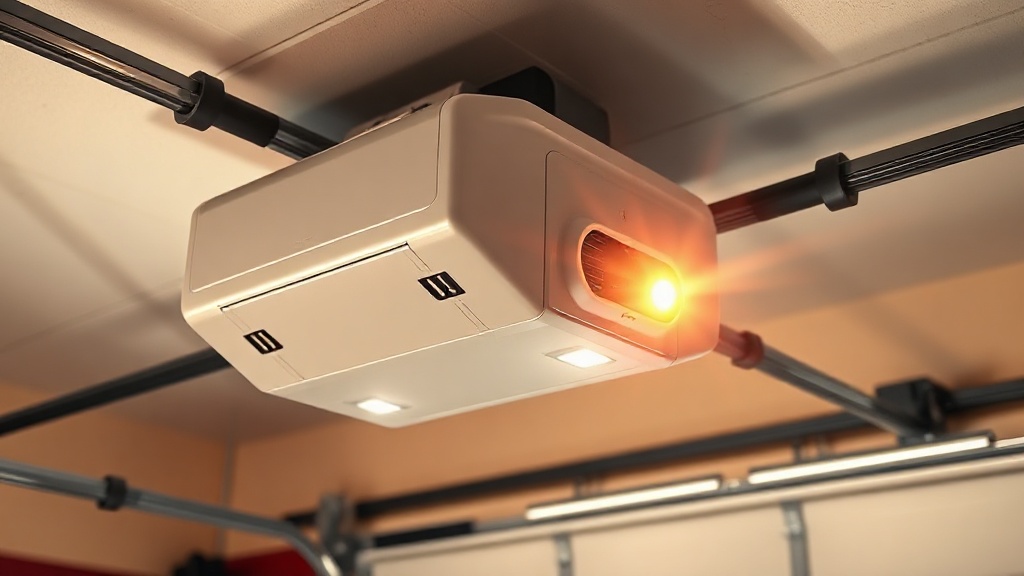
Genie SilentMax 1200 Safety Sensor Wiring: Step-by-Step Guide
The Genie SilentMax 1200 is a popular residential garage door opener known for its quiet belt-drive operation and reliable performance. Ensuring its safety sensors are correctly wired and aligned is critical for the auto-reverse function, which prevents the door from closing on obstacles. This guide provides a detailed, step-by-step approach to wiring the safety sensors, troubleshooting common issues, and maintaining the system for optimal safety.
What Are the Genie SilentMax 1200 Safety Sensors and Why Do They Matter?
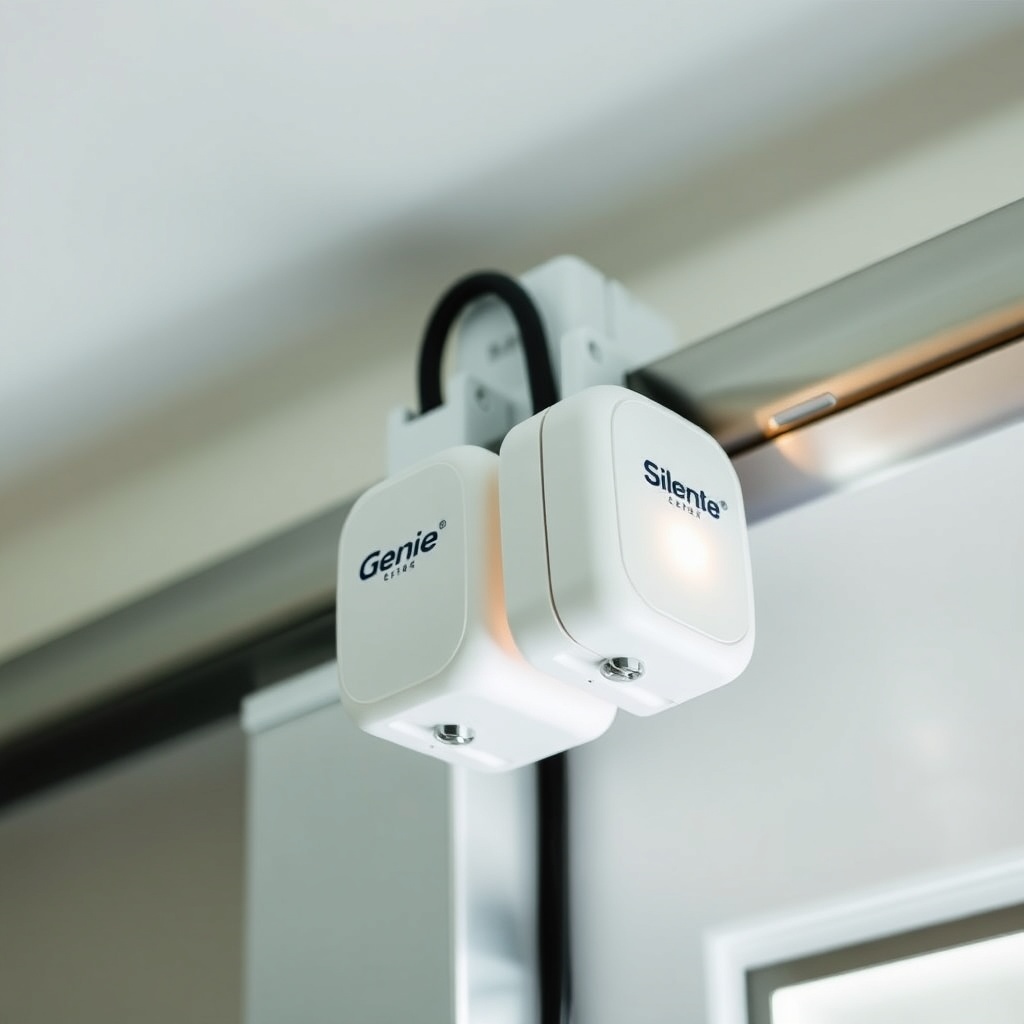
The safety sensors on the Genie SilentMax 1200 are photoelectric eyes installed on each side of the garage door track, about 6 inches above the floor. One sensor emits an invisible infrared beam, and the other receives it. When the beam is broken by an object, person, or pet, the opener instantly reverses the door’s direction. This auto-reverse mechanism is mandated by federal safety standards for all garage door openers manufactured after 1993. Without properly wired and aligned sensors, the door could close on a child or pet, causing serious injury. The Genie SilentMax 1200 uses a three-wire system (white, black, and red) for each sensor, which connects to the opener’s terminal board. Correct wiring ensures the opener motherboard receives the sensor signal and triggers the reverse function.
What Tools and Materials Do You Need for Sensor Wiring?
Before starting, gather the following items to avoid interruptions during installation:
- Genie SilentMax 1200 safety sensor kit (included with the opener or replacement part)
- Staples or zip ties for securing wires along the track
- Wire strippers (20–22 AWG recommended)
- Phillips-head screwdriver (small)
- Ladder (for reaching the opener motor unit)
- Multimeter (optional, for testing continuity)
- Safety glasses and gloves
It’s also wise to consult the Genie SilentMax 1200 Remote Programming: DIY Guide for All Models if you need to re-sync remotes after electrical work.
Note: The sensor wiring process requires connecting low-voltage wires (typically 12–24V DC) to the opener’s terminal block, so ensure the unit is unplugged from the mains outlet to prevent electric shock.
How Do You Identify the Correct Wiring Terminals on the Genie SilentMax 1200?
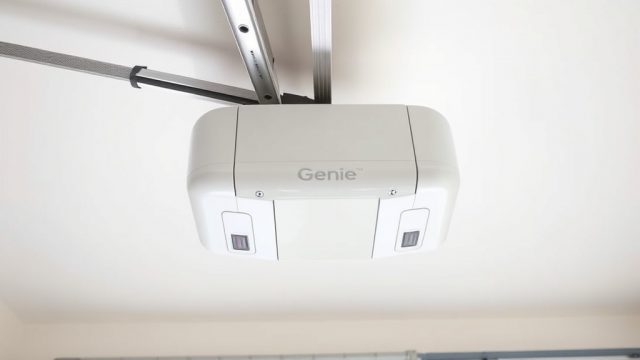
The Genie SilentMax 1200 has a clearly labeled terminal block on the back of the motor unit, near the antenna wire. The terminals for the safety sensors are marked as “SENSORS” or “SAFETY SENSORS” and consist of three screws: one for the white wire (common), one for the black wire (power), and one for the red wire (signal). A standard configuration uses:
- White wire: Connects to the center terminal (common ground)
- Black wire: Connects to the left terminal (power supply, typically 12V DC)
- Red wire: Connects to the right terminal (signal/sensor trigger)
If your sensor kit has only two wires (common in older models), you may need an adapter; however, the SilentMax 1200 typically uses three wires for each sensor. Always check the wiring diagram inside the opener’s light lens cover or manual. Incorrect wiring can cause the opener to fail the auto-reverse test or not operate at all.
What Is the Correct Step-by-Step Wiring Procedure?
Follow these steps carefully to wire the safety sensors to your Genie SilentMax 1200:
- Disconnect power: Unplug the opener from the electrical outlet.
- Mount the sensors: Attach the sending sensor (usually with a green LED) and receiving sensor (red LED) to the brackets on each side of the door track, about 6 inches above the floor. Ensure the lenses face each other directly.
- Run the wires: Route each sensor’s three wires along the track and ceiling to the opener unit. Use staples or zip ties to secure the wires every 12–18 inches.
- Strip the wires: Use wire strippers to remove about ¼ inch of insulation from each wire’s end.
- Connect the sending sensor wires: Attach the white wire to the center terminal, black to left, and red to right. Tighten the screws securely.
- Connect the receiving sensor wires: Repeat the same pattern for the second sensor—white to center, black to left, red to right. Both sensors share the same terminal block, so you’ll place two white wires in the center screw, two black in the left, and two red in the right.
- Secure the wires: Ensure no loose strands cause short circuits. Tuck excess wire into the opener’s wire channel.
- Restore power and test: Plug the opener back in. The sensors should glow steadily (sending sensor: green; receiving sensor: red). If blinking, realign or recheck connections.
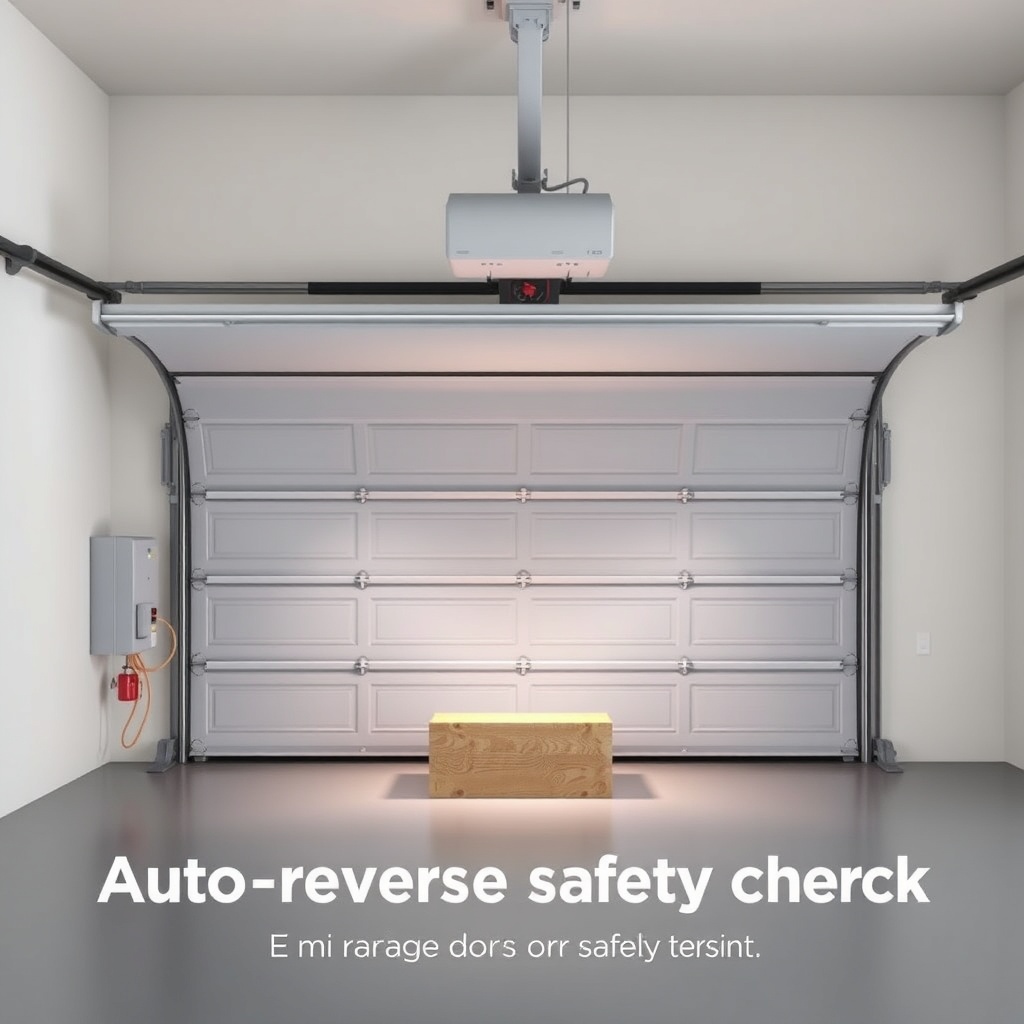
- Perform the auto-reverse test: Place a 1.5-inch high object (like a piece of wood) in the door’s path and close it. The door should reverse immediately upon hitting the object.
If the door reverses without contacting the object, you may need to adjust the Genie SilentMax 1200 Limit Switch Adjustment: Precise Calibration Guide to fine-tune travel limits.
Why Are My Genie SilentMax 1200 Sensors Blinking or Not Working?
Blinking or non-responsive sensors often indicate wiring or alignment issues. Common problems include:
- Reverse wiring: Swapping white and red wires can cause the sensor to not communicate. Double-check the terminal connections.
- Loose connections: Wires that aren’t fully secured in the terminal block may cause intermittent signals. Tighten screws after reinserting wires.
- Damaged wires: Look for cuts, frays, or pinches along the wire run. Replace any damaged sections.
- Sensor misalignment: If one sensor’s LED blinks rapidly, adjust the brackets until both LEDs are steady.
- Sun interference: Direct sunlight on a sensor lens can cause false signals. Install sun shields available from Genie.
- Faulty sensor: If power is correct but the LED never lights, replace the sensor. Use a multimeter to check for voltage at the terminal (should read 12–15V DC between black and white).
For persistent electrical issues, consult the Genie SilentMax 1200 Opener Motor Capacitor Replacement Guide if the opener’s motor hums but doesn’t run—this may mimic a sensor problem.
| Symptom | Likely Cause | Solution | Severity |
|---|---|---|---|
| Both LEDs off | No power to sensors | Check terminal connections and power outlet | High |
| One LED blinks rapidly | Misalignment or obstruction | Realign sensors; clean lenses | Medium |
| Both LEDs blink slowly | Wire short or reversed polarity | Recheck wiring: white to center, black to left, red to right | High |
| Door reverses mid-travel | Sensor interference or loose wire | Tighten connections; install sun shields | Medium |
| LEDs steady but door won’t close | Sensor logic board fault | Replace sensor or consult opener manual | High |
How Do You Test the Auto-Reverse Function After Wiring the Sensors?
Testing is essential after any sensor wiring work. Follow this procedure:
- Clear the door’s path: Remove any obstructions from the garage floor.
- Prepare a test object: Place a 1.5-inch high block of wood or a roll of paper towels in the center of the door’s path.
- Close the door via remote or wall button: The door should reverse direction when it contacts the object, then stop and open fully.
- Repeat test at three positions: Center, left, and right side of the door to ensure even sensor coverage.
- Check the opener’s LED indicator: The main unit may flash a code if an error is detected. Consult the manual for blink patterns (e.g., 2 flashes = sensor issue).
If the door does not reverse, disconnect power and re-check all wiring. A failed auto-reverse test means the sensors are not functioning correctly, posing a safety hazard. For further adjustments, refer to the Genie SilentMax 1200 Opener Drive Adjustment: Chain Tension and Belt Alignment Guide, as improper tension can also affect reverse performance.
How Do You Maintain the Genie SilentMax 1200 Safety Sensors for Long-Term Reliability?
Regular maintenance prevents false triggers and extends sensor life. Tips include:
- Clean lenses monthly: Use a dry microfiber cloth to remove dust, cobwebs, and grime. Avoid water or chemicals.
- Inspect wires quarterly: Look for signs of rodent damage or wear from track movement. Secure any loose sections.
- Check alignment annually: Use a level to ensure both sensors are parallel and at the same height.
- Test the auto-reverse monthly: Quick test as described above ensures ongoing safety.
- Replace old sensors: If the opener is over 10 years old, consider replacing sensors as part of a Genie SilentMax 1200 Spring and Cable Replacement: Cost Breakdown & DIY Tips maintenance plan.
Also, keep the sensor lenses away from direct sunlight by installing optional Genie sun shields, available for about £10–£15 per pair. A battery backup installation may also protect against power outages affecting sensor operation—see the Genie SilentMax 1200 Battery Backup Installation Guide for specifics.
What Do Owners Say About the Genie SilentMax 1200 Sensors?
Common owner feedback highlights that the sensors are generally reliable once wired correctly. Many users appreciate the clear LED indicators that simplify alignment. Some report frustration with the thin wires being prone to damage if not routed carefully. One UK owner noted, “After wiring my Genie SilentMax 1200, the auto-reverse worked perfectly, but I had to realign the sensors twice because the brackets shifted after a year.” Another said, “The three-wire system is straightforward if you label the wires during installation.” Negative reviews often cite sun interference causing false reverses, but this is resolved with affordable shields. Overall, owners recommend following the manual’s wiring diagram precisely and testing monthly.
Frequently Asked Questions
1. Can I use two-wire safety sensors with my Genie SilentMax 1200?
No, the Genie SilentMax 1200 requires three-wire sensors (white, black, red). Two-wire sensors from older openers are not compatible without an adapter, which is not recommended due to safety compliance issues.
2. What voltage should I measure at the sensor terminals?
You should measure approximately 12–15 volts DC between the black and white terminals when the opener is powered and the sensors are disconnected. If you read less than 10V, check the mains power or consult the Genie SilentMax 1200 Opener Motor Capacitor Replacement Guide for power issues.
3. Why do my sensors blink green and red after wiring?
Blinking usually indicates misalignment or an obstruction. Both LEDs should be steady. Realign the sensors by loosening the bracket screws and adjusting until the LEDs glow solid.
4. How do I reset the safety sensors on the Genie SilentMax 1200?
There is no dedicated reset button for sensors. Disconnect power for 30 seconds, then reconnect. This resets the opener’s logic board. If blinking persists, recheck wiring and alignment.
5. Can I bypass the safety sensors temporarily?
Bypassing safety sensors is dangerous and illegal in the UK (as per BS EN 13241-1 and building regulations). The auto-reverse mechanism is a critical safety feature. Never bypass or disable the sensors.
6. How much does it cost to replace a Genie SilentMax 1200 sensor?
Replacement sensor kits cost between £20 and £40, depending on the retailer. Installation by a professional adds £50–£80 for labour. DIY installation saves the labour cost but requires careful wiring.