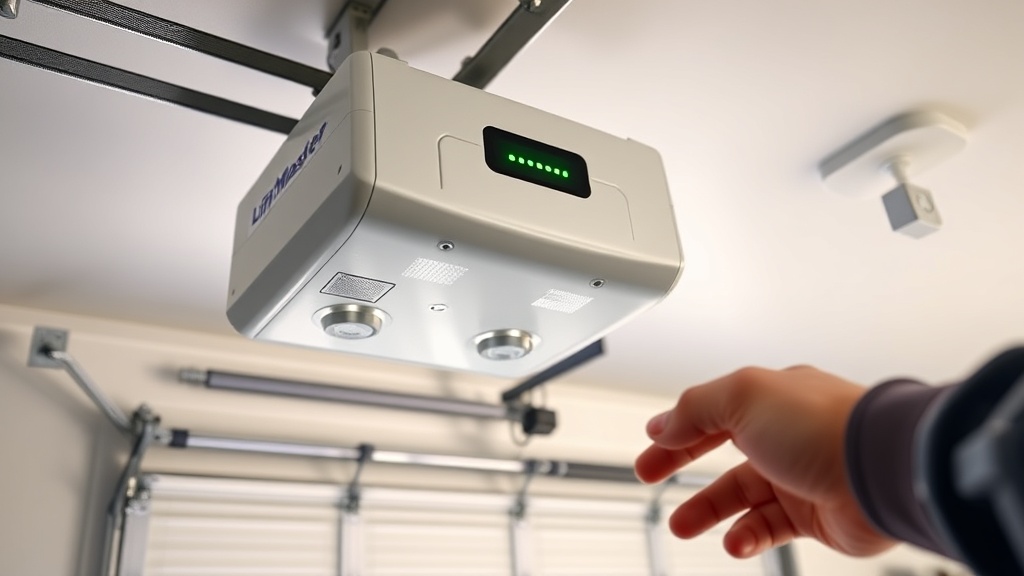
LiftMaster 8550WLB Troubleshooting Guide: Fix 10 Common Issues
When your LiftMaster 8550WLB acts up—refusing to open, reversing mid-cycle, or flashing cryptic error codes—it’s tempting to call a pro and drop £150 on a service call. But many issues are simple to diagnose and fix yourself, saving time and money. This guide walks through the ten most common problems, from safety sensor glitches to drive system hiccups, with clear steps and practical troubleshooting tips.
We’ll also point you to deeper dives on specific repairs, like LiftMaster 8550WLB Cable Replacement: When and How and LiftMaster 8550WLB Opener Drive Troubleshooting: Chain vs Belt Issues, for when you need more detail.
Opener Won’t Respond to Remote or Wall Control
Press the button, and nothing happens. The garage door opener’s LED may be off or blinking slowly. This is often a power or connection issue.
- Check power supply: Ensure the unit is plugged in and the outlet works. Test with a lamp or phone charger. A tripped GFCI outlet can kill power silently.
- Reset the opener: Unplug for 30 seconds, then plug back in. Watch for the LED to flash indicating it’s booting.
- Inspect wall control wiring: Loose terminal screws at the opener or wall button can interrupt the signal. Tighten them gently.
- Battery in remote: Replace with a fresh CR2032 battery. A weak battery causes intermittent failures.
- Reprogram remotes: Press the “Learn” button on the opener for 3 seconds, then press the remote button within 30 seconds. The light should blink once.
If the opener still doesn’t respond, the logic board may have failed—a rarer issue that requires professional replacement. For safety system related problems, see our LiftMaster 8550WLB Auto-Reverse Test: Ensuring Safety guide.
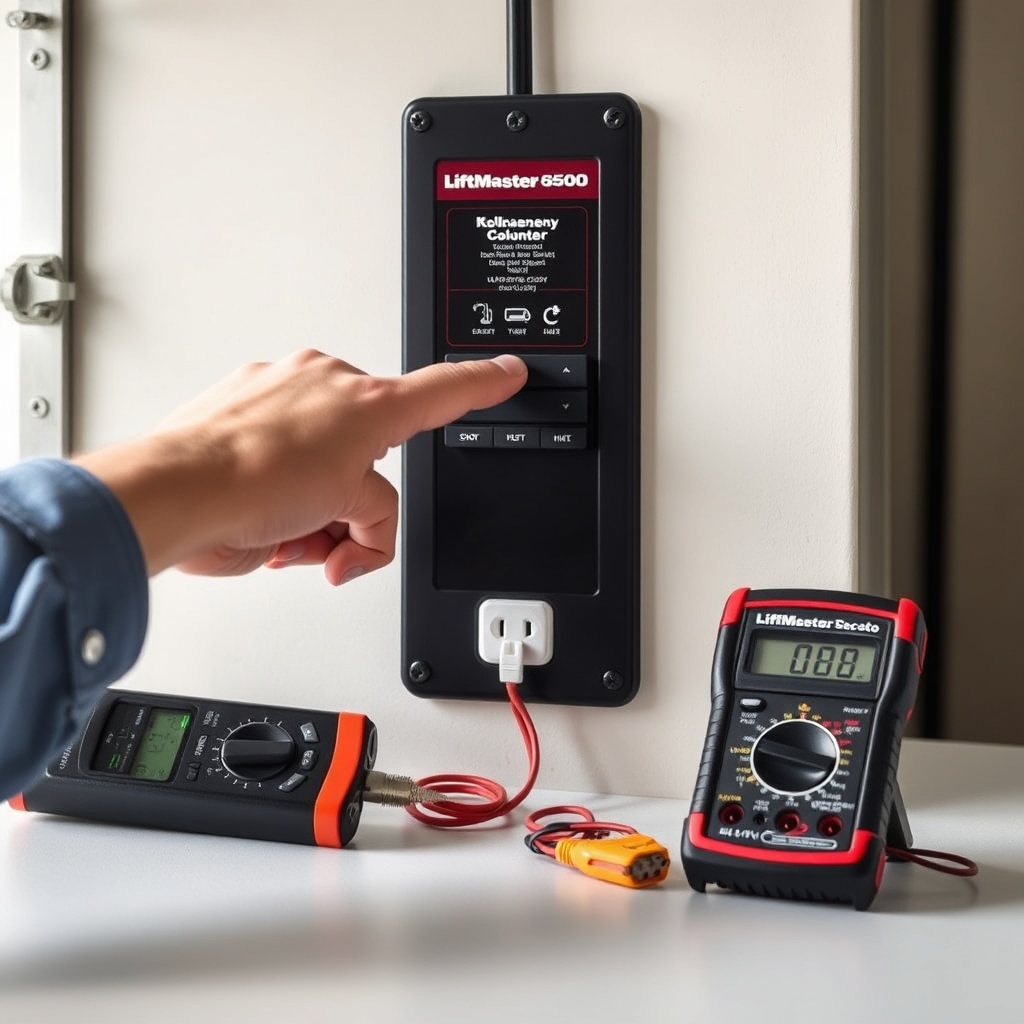
Door Travels a Few Feet Then Reverses (Error Code 1-1 or 1-2)
This classic symptom points to travel limit or force setting misadjustment. The opener thinks the door is hitting something, so it reverses for safety.
- Check travel limits: Locate the purple adjustment screws on the side of the opener. Turn the “Up” limit screw clockwise a quarter turn to extend travel, or counter-clockwise to shorten. Repeat for “Down.” Test after each adjustment.
- Adjust force settings: The “Force” adjustment screws (also purple) control how hard the motor pushes. Increase force slightly if the door struggles in cold weather or on worn tracks. Never exceed the point where the door reverses on a 1-inch block test.
- Inspect tracks and rollers: A misaligned track or a stuck roller can mimic an obstruction. Clean tracks with a damp cloth and lubricate rollers with silicone spray.
- Check door springs: Uneven spring tension can cause the door to bind. If the door feels heavy manually, call a pro to adjust torsion springs—they’re dangerous.
For complex drive issues, refer to LiftMaster 8550WLB Opener Drive Troubleshooting: Chain vs Belt Issues.
Error Code 4-1 or 4-2: Safety Sensor Misalignment or Failure
The safety sensors (the small eyes near the floor on each side of the door) are critical for preventing crushing. Blinking LED patterns on the opener indicate trouble.
- Check LED status: Both sensors should have steady green LEDs. If one blinks, it’s misaligned. If off, it’s dead or disconnected.
- Align sensors: Loosen the thumb screw on the blinking sensor, rotate it so its LED glows steady, then retighten. Aim both sensors directly at each other.
- Inspect wiring: Look for chewed or frayed wires, especially near the floor. Use a continuity tester to check for breaks.
- Clean lenses: Wipe both sensor lenses with a dry microfiber cloth. Cobwebs or dust can block the beam.
- Check for obstructions: Remove any objects—bikes, bins, toys—that might sit in the beam path.
If you still get error codes, the sensors themselves might need replacement. Always pair new sensors with the same brand as the opener for compatibility.
Opener Runs But Door Doesn’t Move (Stripped Drive Gear)
You hear the motor humming, but the door stays put. This classic failure often means the plastic drive gear inside the opener has stripped.
- Listen carefully: If the motor runs but you hear a grinding or clicking sound with no door movement, it’s likely the gear.
- Check the emergency release: Ensure the red rope hasn’t been accidentally pulled (door disengaged). Pull and re-engage it to reset.
- Open the cover: With power unplugged, remove the light lens and look at the drive sprocket. Stripped plastic teeth are visible.
- Replace the gear kit: Purchase a LiftMaster 41A2817 gear and sprocket kit (around £35–£50). DIY replacement takes 1–2 hours with basic tools. Follow our detailed guide on LiftMaster 8550WLB Cable Replacement: When and How for removal steps, as the cables often need partial disassembly for access.
If the shaft or bearings are worn, the entire opener unit may need replacing—the 8550WLB is discontinued but still serviceable with parts.
Battery Backup Not Working or Beeping Continuously
The 8550WLB includes a built-in battery backup system. A steady beep or flashing diagnostic light means the battery needs attention.
- Check battery age: The sealed lead-acid battery lasts 3–5 years. If yours is older, replace it with LiftMaster 8500-2 (approx £65).
- Reset the battery: Disconnect the terminals for 10 minutes, then reconnect. Charge for 24 hours before testing.
- Test operation: Unplug the opener and press the remote. A working battery runs the door full cycle 1–2 times. If it stops halfway, the battery is weak.
- Inspect charger board: A faulty charging circuit prevents battery charging. This requires opener logic board replacement (around £120).
Battery beeping every 30 seconds is normal for low battery warning. If it beeps constantly, the board may have a fault.
Excessive Noise or Vibration During Operation
A noisy opener is annoying and can indicate wear. The 8550WLB is belt-driven, so excessive noise often points to loose parts or lubrication issues.
- Check belt tension: The belt should have about ¼-inch deflection at the center. Loosen the tension nut on the trolley and adjust as needed.
- Lubricate moving parts: Apply white lithium grease to the belt teeth and garage door hinges. Use silicone spray on rollers and tracks.
- Tighten mounting hardware: Vibration can loosen bolts on the opener’s rail brackets and wall supports. Torque to 8–10 ft-lbs.
- Inspect chain vs belt: If your unit has a noisy chain drive replacement, consider switching to a belt—quieter and smoother. See LiftMaster 8550WLB Opener Drive Troubleshooting: Chain vs Belt Issues for details.
Persistent grinding noise after lubrication could signal worn bearings in the opener’s motor or gearbox, which may need professional replacement.
Severity Table: Common Issues at a Glance
| Issue | Usually Not Urgent | Needs Attention Soon |
|---|---|---|
| Remote not working (battery dead) | Replace battery, no urgency | If multiple remotes fail, check receiver |
| Door reverses mid-travel | Adjust limits/force settings | If door hits ground and reverses, call pro |
| Safety sensor misalignment | Realign sensors yourself | If sensors won’t stay aligned, wiring fault |
| Motor runs, door doesn’t move | Check emergency release first | Stripped gear requires immediate repair |
| Battery backup beeping | Replace battery soon | If charger board fails, op replacement likely |
| Excessive noise | Lubrication and belt adjustment | Grinding noise indicates internal wear |
What Owners Say
Owners of the LiftMaster 8550WLB often praise its quiet belt drive and battery backup, but note that the travel limits can drift after a few years. One user reported that their door started reversing randomly every spring—cleaning the sensor lenses fixed it instantly. Another owner found that the battery backup beeped even after a fresh battery install, which turned out to be a corroded terminal connector that needed cleaning.
A common theme in forums is the cost of replacement parts. For example, a new gear kit runs around £40, but if the logic board fails, some owners decide to replace the whole unit. On the plus side, the 8550WLB is considered solid for its price bracket, and many owners say it’s quieter than the Chamberlain models they compared it to. For installation cost comparisons, check LiftMaster 8550WLB Installation Cost and DIY vs Pro Guide.
Frequently Asked Questions
How do I reset the LiftMaster 8550WLB after a power outage?
Unplug the opener for 30 seconds, then plug it back in. The door will not automatically close or open—use the wall control or remote to cycle it manually. If the travel limits seem off, run a full manual close/open cycle to recalibrate.
Why does my 8550WLB beep twice when I press the remote?
Two beeps typically indicate the battery backup is low or disconnected. Check the red battery status light: if it’s flashing, charge the battery for 24 hours. If the beeping continues, the battery may need replacement.
Can I use third-party remotes with the 8550WLB?
The 8550WLB uses the Security+ 2.0 rolling code system. Compatible remotes must be marked with the yellow “Learn” button. Third-party remotes are often not compatible; stick with LiftMaster’s 890MAX or 895MAX models for guaranteed pairing.
What causes error code 1-1 on the 8550WLB?
Error code 1-1 indicates the opener detected excessive force while closing. This usually means the door is hitting an obstruction, or the force setting is too low. Increase closing force slightly (1/4 turn) and test. If the code returns, inspect the door for binding or a stuck safety sensor.
How often should I replace the battery backup?
Every 3 to 5 years, depending on climate and usage. If you live in a very hot or cold garage, replace at the 3-year mark. A weak battery may still power the opener once but won’t handle multiple cycles during a power outage.
Is the 8550WLB still a good purchase in 2025?
Although discontinued, the 8550WLB is a reliable workhorse. If you find a new-old-stock unit, buy it for under £250. Parts are widely available, and its belt drive is quieter than many current budget models. However, for warranty support and newer features like MyQ smartphone control, consider the newer LiftMaster 87504.