How Does the Genie SilentMax 1200 Limit Switch Adjustment Work?
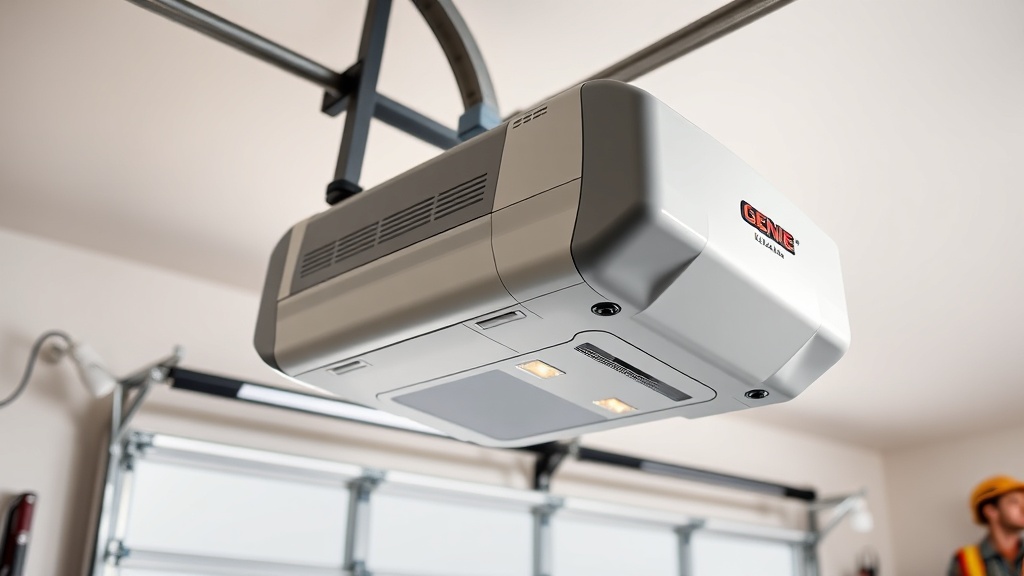
The Genie SilentMax 1200 is a popular belt-drive garage door opener known for its quiet operation and reliable performance. However, like all mechanical systems, it requires precise calibration to function correctly. One of the most common issues homeowners face is the door not opening or closing fully, which often traces back to misadjusted limit switches. This guide focuses on troubleshooting error codes related to limit switch adjustment, providing a step-by-step approach to recalibrating your opener. By understanding the limit switch mechanism, you can avoid costly service calls and extend the life of your unit.
Limit switches control the travel distance of your garage door. When they are out of adjustment, the door may stop abruptly, reverse midway, or fail to seal properly against the floor. This can trigger specific error codes on the Genie SilentMax 1200, such as a flashing LED pattern indicating a travel limit issue. Proper adjustment involves setting both the up (open) and down (close) limits to ensure safe and complete operation. Mastery of this process is essential for any DIY homeowner.
What Error Codes Indicate a Limit Switch Problem on the Genie SilentMax 1200?
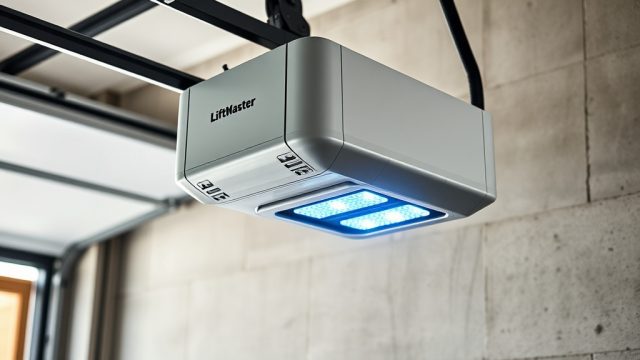
Before diving into adjustments, it is crucial to identify whether the error code displayed on your opener actually points to a limit switch issue. The Genie SilentMax 1200 uses a series of flashing LED lights on the power head to communicate problems. A common error is two flashes followed by a pause, repeated indefinitely. This typically means the opener has detected a travel limit error—the door has either gone past its set limit or cannot find the correct limit position. Another code, three flashes, might indicate a safety reversal issue related to the limit switches or obstructions. Diagnosing the code correctly saves time and prevents unnecessary adjustments to other components.
If the opener’s lights flash four times while attempting to close, this can also signal a limit switch misalignment, especially if the door reverses after hitting the floor. To confirm, try a manual operation: disconnect the emergency release cord and gently raise or lower the door by hand. If the door moves smoothly and is balanced, the problem is almost certainly in the electronic limit switch settings. For a full list of error codes, refer to your owner’s manual or check the Genie website. Knowing the code is the first step toward a precise fix.
How to Adjust the Limit Switches on a Genie SilentMax 1200?
Step 1: Prepare the Opener
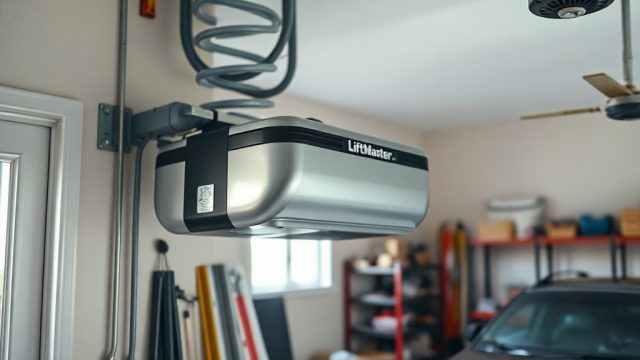
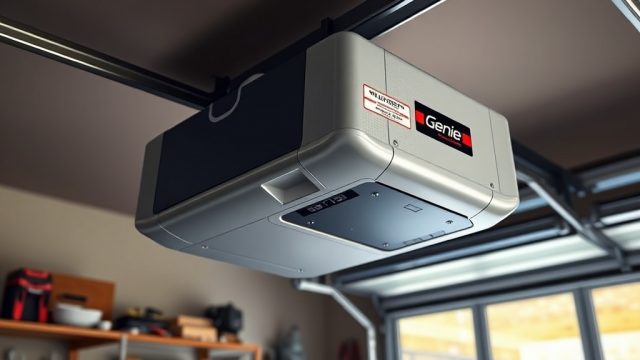
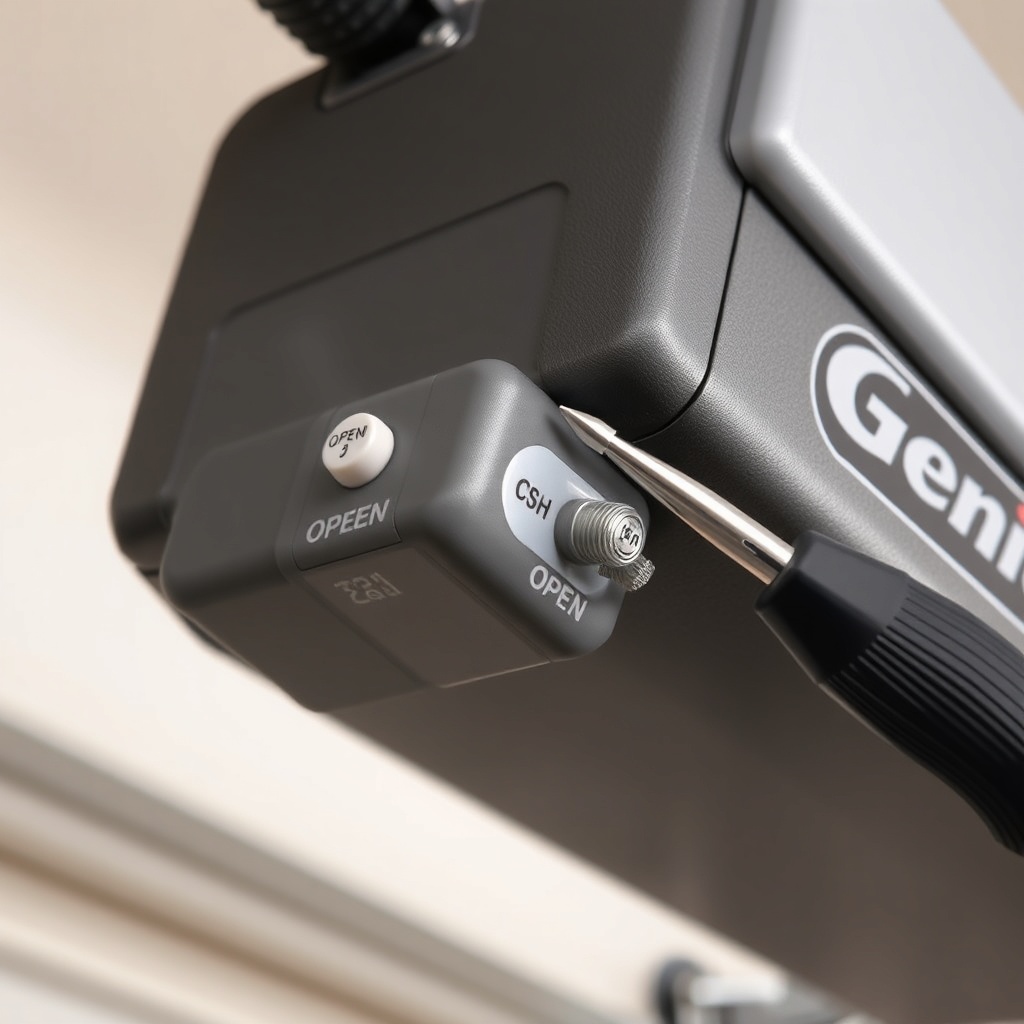
Make sure the garage door is fully closed (manually, if necessary). Plug in the opener and locate the limit switch adjusters on the back or side of the motor unit. On the Genie SilentMax 1200, these are usually two small plastic screws or dials labelled “OPEN” and “CLOSE.” Use a flathead screwdriver or a Torx bit (depending on your model year).
Step 2: Adjust the Close Limit
Press the wall control or remote to close the door. Watch the door as it travels downward. If it stops too high (leaving a gap) or reverses after hitting the floor, turn the “CLOSE” adjustment screw clockwise 1/4 turn to extend the travel, or counterclockwise to shorten it. Make adjustments in small increments, testing after each change. The goal is for the door to contact the floor with firm pressure but not to bend the bottom seal.
Step 3: Adjust the Open Limit
Press the control to open the door. If the door stops short of full open or breaks the travel limit, turn the “OPEN” screw clockwise 1/4 turn to increase the travel distance, or counterclockwise to decrease it. The door should stop at a point where it is fully vertical but does not stress the rails or springs.
After each adjustment, cycle the door fully open and close to verify proper operation. If the door reverses unexpectedly, reduce the close limit setting slightly. This adjustment is critical for safety and to prevent damage to the opener’s drive system. For more details on drive system alignment, see our Genie SilentMax 1200 Opener Drive Adjustment: Chain Tension and Belt Alignment Guide.
What Are the Most Common Troubleshooting Error Codes and Their Fixes?
The Genie SilentMax 1200 may display error codes that are not just limit switch related. However, many codes can be mistakenly attributed to other problems. Below is a table summarising common error codes with their likely causes, including limit switch issues, and recommended actions.
| Error Code (Flashing LEDs) | Symptom | Likely Cause | Severity | Recommended Action |
|---|---|---|---|---|
| 2 flashes, pause | Door stops mid-travel or reverses | Limit switch misalignment; travel limit reached incorrectly | Medium | Adjust OPEN/CLOSE limit screws as per guide above. Check for obstructions. |
| 3 flashes, pause | Door reverses on close without touching floor | Safety beam obstruction or limit switch setting too tight; also check spring tension | High | Clean photo eyes; adjust close limit. If persists, inspect Genie SilentMax 1200 Spring Tension Adjustment: DIY Tutorial. |
| 4 flashes, pause | Door closes but then opens partially | Failed control board or limit switch misreading; also check for motor capacitor failure | High | Reset limit switches fully. If error returns, see Genie SilentMax 1200 Opener Motor Capacitor Replacement Guide. |
| 1 flash, pause | No response from opener | Power issue or battery backup problem | Low | Check power cord; test battery backup. Refer to Genie SilentMax 1200 Battery Backup Installation Guide. |
| 5 flashes, pause | Motor runs but door does not move | Drive belt/chain issue or broken spring | Critical | Inspect drive system; look for broken cables. See Genie SilentMax 1200 Spring and Cable Replacement: Cost Breakdown & DIY Tips. |
Remember that limit switch issues often mimic other problems. For example, if the door reverses due to excessive force, it might be a spring tension problem rather than limit switches. Always reset the limit switches after any spring adjustment to maintain safety.
Why Does My Genie SilentMax 1200 Reverse Immediately After Hitting the Floor?
This is a classic symptom of a close limit setting that is too far, causing the door to hit the floor with excessive force, triggering the automatic safety reversal system. The opener interprets the jarring stop as an obstruction and reverses. Another possibility is that the safety photo eyes are misaligned or dirty, but the reversal pattern (almost instant after contact) points to the close limit. To fix this, slightly turn the “CLOSE” adjustment screw counterclockwise by 1/8th of a turn. Test by closing the door. It should stop with gentle pressure on the floor seal, not bounce back. If the door still reverses, also check the force sensitivity settings (usually a separate dial or app setting on newer models). Over time, temperature changes can affect the limit switch calibration, so annual adjustments are normal. If you have recently replaced springs, the door’s balance changes, requiring a limit switch recalibration. Our Genie SilentMax 1200 Spring Tension Adjustment: DIY Tutorial covers how to balance the door before adjusting limits.
What Do Owners Say About the Genie SilentMax 1200 Limit Adjustment?
Garage door forum communities and online reviews frequently mention that the limit switch adjustment is straightforward but critical. Many owners appreciate that the Genie SilentMax 1200 has physical screws rather than a fully digital interface, as it allows for manual fine-tuning without needing a smartphone app every time. However, common complaints include the adjustment screws being difficult to turn after years of use (due to dirt or paint) and the need for multiple trial-and-error cycles. One owner in the UK noted that after adjusting the close limit, the door worked perfectly for a year. Another pointed out that the “CLOSE” limit must be set exactly—too tight and the door reverses, too loose and the door leaves a gap for drafts. Overall, the consensus is that while the process requires patience, it is a solvable DIY task for most homeowners. For those encountering persistent code errors, professionals often recommend checking the drive alignment first, as outlined in Genie SilentMax 1200 Opener Drive Adjustment: Chain Tension and Belt Alignment Guide.
Frequently Asked Questions
Q1: Can I calibrate the limit switches without a manual?
Yes, but the process is easier with the manual. The basic steps are: close the door fully, then turn the “CLOSE” screw clockwise until the door just touches the floor with slight pressure. Then turn the “OPEN” screw clockwise until the door stops at its fully open position. Test the door to ensure it does not reverse. If problems persist, cycle the door and fine-tune each screw in 1/4 turn increments.
Q2: What tools do I need for limit switch adjustment?
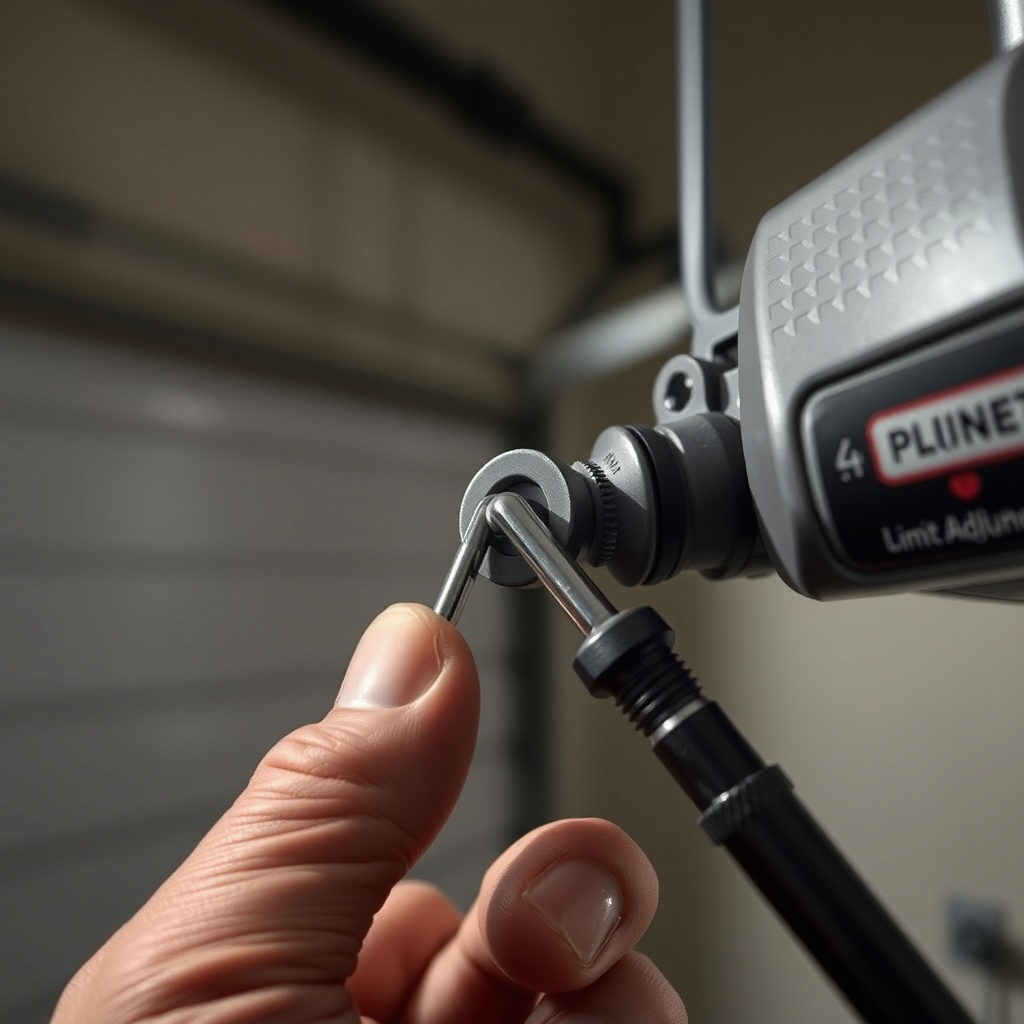
You typically need a small flathead screwdriver or a Torx T15 bit, depending on your Genie SilentMax 1200 model year. Some newer units use a #2 Phillips head. A step ladder is also useful to reach the motor unit.
Q3: How do I know if the error code is from limit switches or something else?
Check the error code pattern (see the table above). Two flashes often indicate limit switch misalignment. If the door moves smoothly by hand, it is likely a limit switch issue. If the door is heavy or unbalanced, check spring tension first. See our Genie SilentMax 1200 Spring and Cable Replacement: Cost Breakdown & DIY Tips for details.
Q4: Will resetting the limit switches delete my other settings?
No, limit switch adjustments only affect the travel limits. Other settings like force sensitivity, Wi-Fi pairing, and light timer are stored separately. However, if you have Wi-Fi connectivity issues, you may need to re-sync after any electronic reset. Refer to Genie SilentMax 1200 WiFi Setup Issues: Solutions & Tips for help.
Q5: How often should I adjust the limit switches?
Annual adjustment is recommended, especially after seasonal temperature changes (which affect door seal and spring tension). If you notice the door dragging on the floor or not opening fully, adjust immediately.
Q6: What is the cost to have a professional adjust limit switches?
In the UK, a professional service call typically costs between £45 and £85 for limit switch adjustment alone, depending on your area. This is often included in a routine maintenance fee. DIY adjustment is free and takes about 15 minutes.