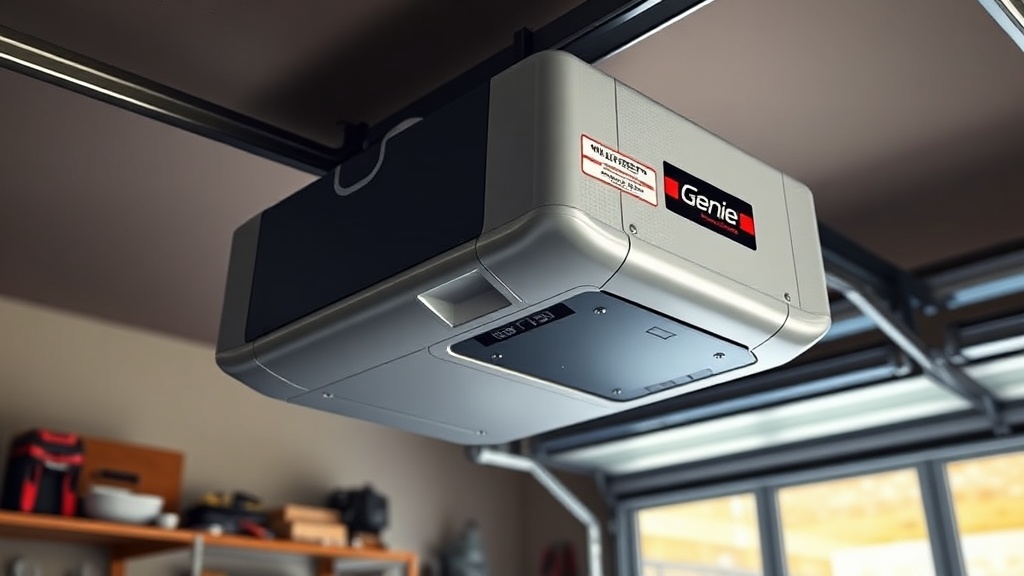
What is the Genie SilentMax 1200 and How Does Remote Programming Work?
The Genie SilentMax 1200 is a robust belt-drive garage door opener designed for quiet operation and reliable performance. Remote programming on this model is a straightforward process, but many homeowners encounter issues due to incorrect pairing sequences or interference. This guide will walk you through programming all compatible remotes—including the Genie G3T-R and GIRUD-1T models—while also addressing common troubleshooting error codes that may arise during setup.
Before diving into programming, it is essential to understand that the SilentMax 1200 uses a “ForceGuard” system that can trigger error codes if the door encounters resistance. This guide covers both remote programming steps and diagnostic codes to help you resolve issues without needing a professional service call.
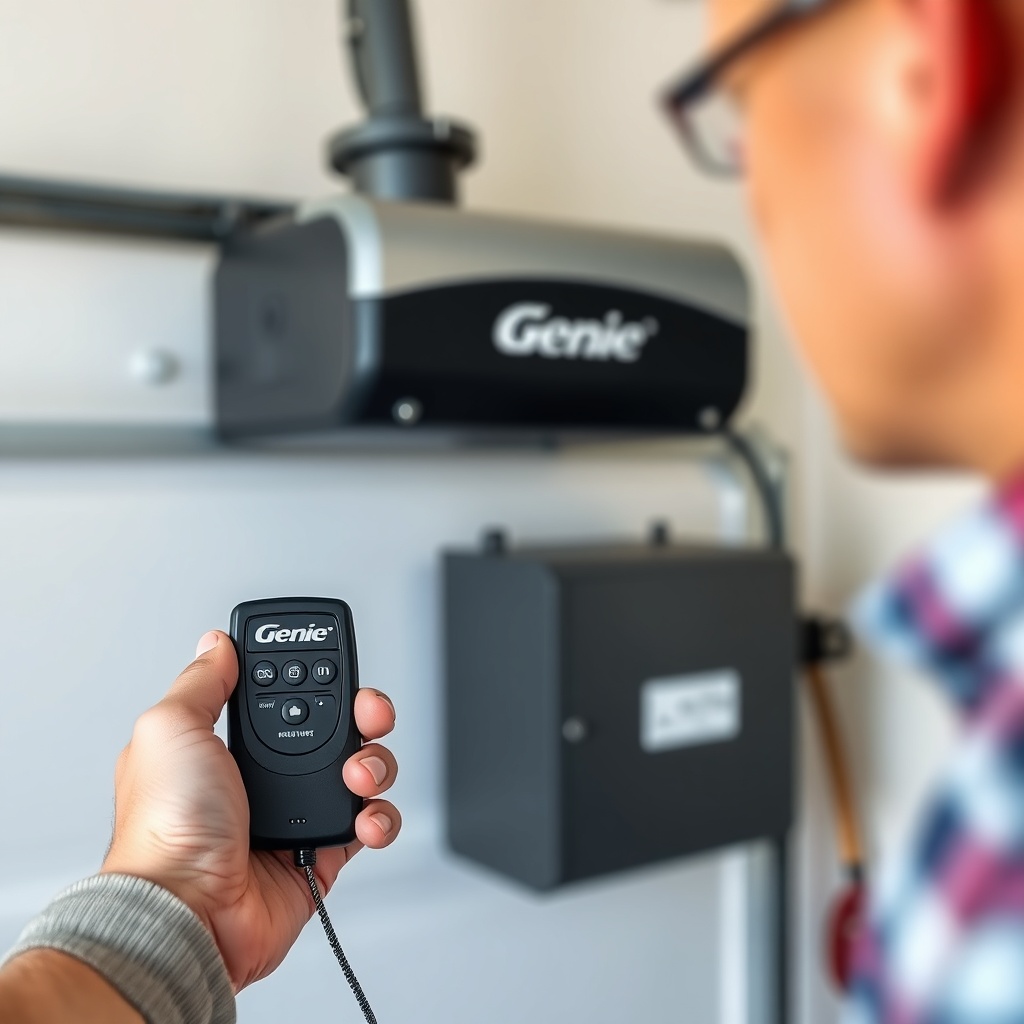
How Do I Program a New Remote to the Genie SilentMax 1200?
Programming a remote to your Genie SilentMax 1200 typically takes less than five minutes. Follow these steps carefully:
- Locate the “Learn” button on the opener motor unit. On the SilentMax 1200, it is usually a square, round, or oval button (colored purple, red, or orange depending on production year).
- Press and release the “Learn” button—the LED indicator will light up for about 30 seconds.
- Within that 30-second window, press the button on your remote that you wish to program. Hold it for 2–3 seconds, then release.
- The opener will respond by flashing its lights or clicking once to confirm successful pairing.
- Test the remote by pressing the programmed button from a distance of about 10–15 feet.
If the remote does not pair, check the battery (CR2032 coin cell) and ensure you are within range. For multiple remotes, repeat the process for each one. Note that the Genie SilentMax 1200 can store up to 10 remote codes in its memory.
Common Pairing Error Codes
If the opener fails to accept the remote, you may see the following error indicators:
- One Flash of the Learn LED: The remote signal was not received—this is often due to a dead battery or obstruction.
- Two Flashes: The remote frequency is incompatible (older models use 390 MHz, newer use 315 MHz).
- Constant Flashing: Memory is full—you must clear all codes and reprogram.
If you are experiencing persistent Wi-Fi connectivity problems alongside remote issues, refer to our guide on Genie SilentMax 1200 WiFi Setup Issues: Solutions & Tips.
Why Does My Genie SilentMax 1200 Remote Work Intermittently?
Intermittent remote operation is one of the most common complaints with this opener. The root cause is usually not the remote itself but environmental factors or opener settings. Here are the typical troubleshooting steps:
- Check the battery voltage: A CR2032 battery should read 3V when new. Replace if voltage drops below 2.7V.
- Examine the antenna wire: The gray or black antenna hanging from the motor unit should be fully extended and not touching metal objects.
- Remove interference sources: LED light bulbs installed in the opener can emit radio frequency interference (RFI). Replace with Genie-approved incandescent or RFI-shielded LED bulbs.
- Test from different distances: If the remote works at 5 feet but not at 30 feet, the signal strength may be weak.
Error Code Table for Remote Issues
| Error Code (LED Flashes on Opener) | Severity | Likely Cause | Solution |
|---|---|---|---|
| 1 flash | Low | Remote battery low | Replace battery (CR2032) |
| 2 flashes | Medium | Frequency mismatch | Use correct Genie remote (315 MHz models only) |
| 3 flashes | High | Memory full or corrupted | Press and hold Learn button for 10 seconds to clear all codes; re-pair |
| Steady light on Learn button | Critical | Logic board failure | Replace logic board or consult a professional |
If you are still facing issues after trying these steps, it may be related to the opener’s drive adjustment. Visit our guide on Genie SilentMax 1200 Opener Drive Adjustment: Chain Tension and Belt Alignment Guide to ensure the mechanical system is correctly calibrated.
How Do I Reset the Genie SilentMax 1200 After a Power Surge?
Power surges are a common cause of programming errors. If your opener stops responding after a storm or electrical event, perform a full system reset:
- Unplug the opener from the wall outlet.
- Wait at least 60 seconds to allow internal capacitors to discharge.
- Plug the unit back in. Wait for the lights to stop flashing.
- Press and hold the “Learn” button for 10 seconds until the LED turns off—this erases all remotes and keypads.
- Reprogram all remotes using the steps above.
If after a reset the opener still shows error codes like “4 flashes” (indicating a motor overload), the issue might be electrical rather than programming-related. In such cases, check the motor capacitor. Our Genie SilentMax 1200 Opener Motor Capacitor Replacement Guide provides step-by-step instructions for replacing this component.
What Do the Error Codes on My Genie SilentMax 1200 Mean?
The SilentMax 1200 communicates issues via the number of times the overhead lights flash after an attempted operation. Interpreting these codes correctly saves time and money. Here is a comprehensive breakdown:
- 1 Flash: Travel module failure—the opener cannot detect the door’s position. Adjust limit switches.
- 2 Flashes: Force limit exceeded—the door encountered an obstruction or is binding. Check springs and cables.
- 3 Flashes: Safety sensor misalignment—the infrared beams are not aligned or are blocked.
- 4 Flashes: Motor overload or capacitor failure—unit running too long without moving.
- 5 Flashes: Battery backup issue (if installed)—low battery or disconnected.
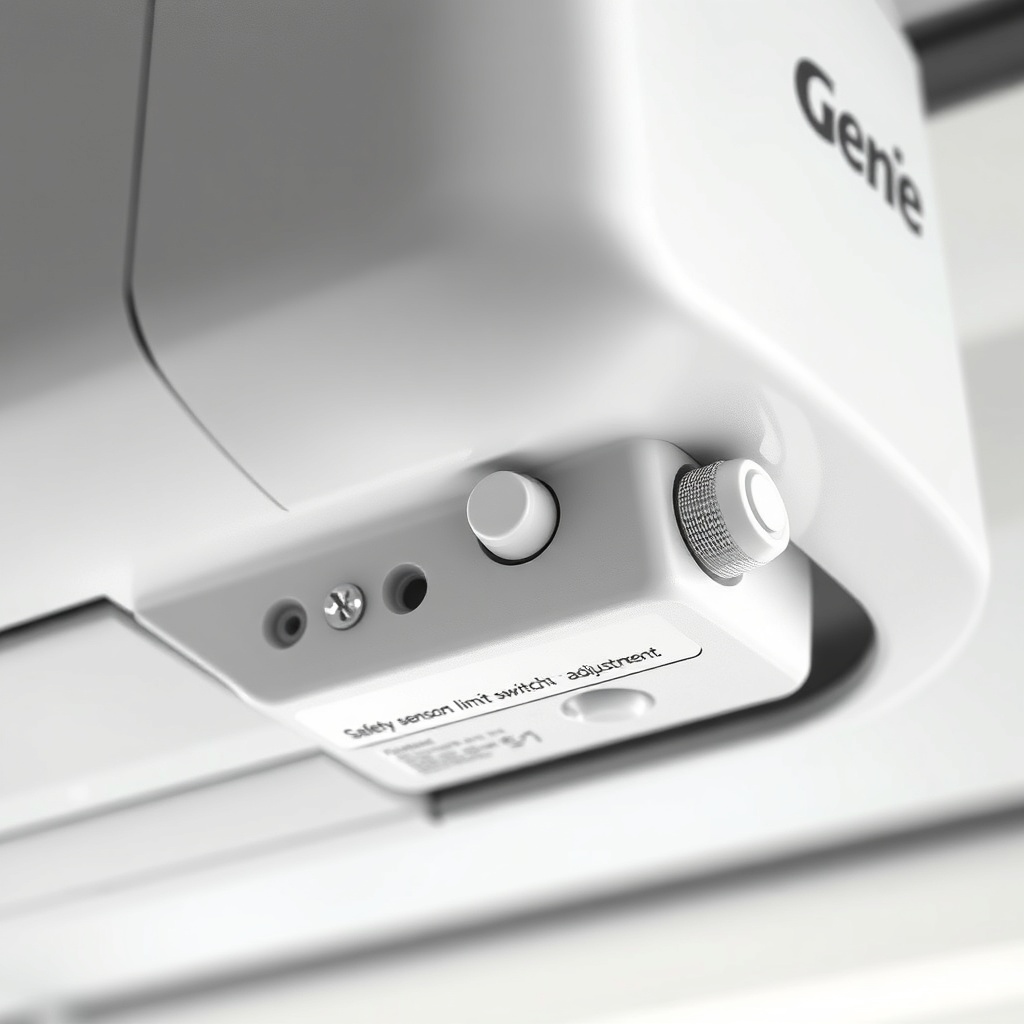
For precise limit switch adjustments that resolve “1 flash” errors, see our Genie SilentMax 1200 Limit Switch Adjustment: Precise Calibration Guide.
What Owners Say About Remote Programming on the Genie SilentMax 1200
Feedback from British homeowners who own the Genie SilentMax 1200 reveals a mix of praise and frustration. Many users appreciate the quiet belt-drive operation and the straightforward programming process when it works correctly. However, several common themes emerge:
- “The remote pairing was easy, but after a few months, one remote stopped working entirely. Replacing the battery sorted it out, but I wish the opener had a stronger signal indicator.” — Mark T., Birmingham
- “I had the ‘3 flash’ error after a power cut. I couldn’t figure it out until I cleared the memory and re-paired everything. Took 10 minutes but was confusing at first.” — Sarah L., Manchester
- “The opener works great with Genie remotes, but third-party universals (like some Chamberlain ones) don’t sync properly. Stick to Genie-branded remotes.” — David R., Edinburgh
- “My unit started flashing ‘2 flashes’ randomly. Turned out the door springs were too tight. A technician adjusted them, and the remote worked fine again.” — Emma W., Leeds
- “The Learn button is hard to reach if your opener is mounted on a high ceiling. I use a step stool, but it is a bit awkward.” — James P., Cardiff
If you are considering a battery backup to avoid issues during power outages, check out the Genie SilentMax 1200 Battery Backup Installation Guide.
Frequently Asked Questions
Q: Can I use any remote with the Genie SilentMax 1200?
A: No. Only Genie remotes operating on 315 MHz frequency are compatible. Older 390 MHz remotes (from before 2011) will not work without a signal converter. Check the remote’s back label for frequency details.
Q: How do I clear all remotes from my Genie SilentMax 1200 memory?
A: Press and hold the “Learn” button on the motor unit for approximately 10–12 seconds until the LED indicator turns off. This erases all stored remote and keypad codes. You will then need to reprogram each device individually.
Q: Why does my remote work only when I am very close to the door?
A: The most common cause is a weak remote battery. Replace it first. If the problem persists, the antenna wire on the opener may be damaged or improperly positioned. Extend it fully and ensure it is not touching any metal parts of the track.
Q: My opener flashes three times and does not respond to the remote. What should I do?
A: Three flashes indicate safety sensor misalignment. Walk over to the sensors (mounted on each side of the door, about 6 inches off the ground). Ensure the LED on each sensor is solid—not blinking or off. Realign them by loosening the wing nuts, positioning them so they face each other, and tightening them securely.
Q: How much does it cost to replace a Genie SilentMax 1200 remote?
A: Genie G3T-R or GIRUD-1T remotes typically cost between £25 and £40 in the UK, depending on the retailer. Replacing a lost remote is straightforward; just follow the programming steps above. Consider buying a two-pack for around £50–£60 to have a spare.
Q: Can my Genie SilentMax 1200 be hacked via the remote signal?
A: Genie uses a rolling-code technology that changes the signal each time the remote is used. This makes it highly resistant to code-grabbing attacks. For additional security, you can disable the remote receiver when not needed (though this is not standard on all models).
Conclusion
Remote programming on the Genie SilentMax 1200 is generally reliable, but understanding error codes and troubleshooting steps can save you time and money. Most issues—whether intermittent operation, memory errors, or power surge resets—can be resolved without a service call. For persistent problems related to mechanical components, always consult Genie SilentMax 1200 Spring and Cable Replacement: Cost Breakdown & DIY Tips to assess whether professional assistance is needed.