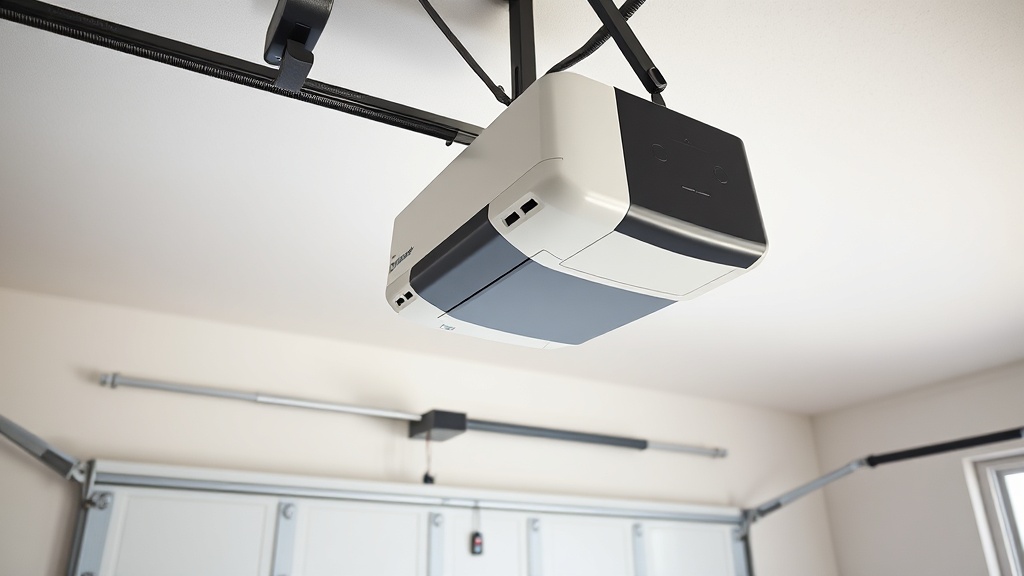
Why won’t my LiftMaster 8550WLB remote program after replacing the battery?
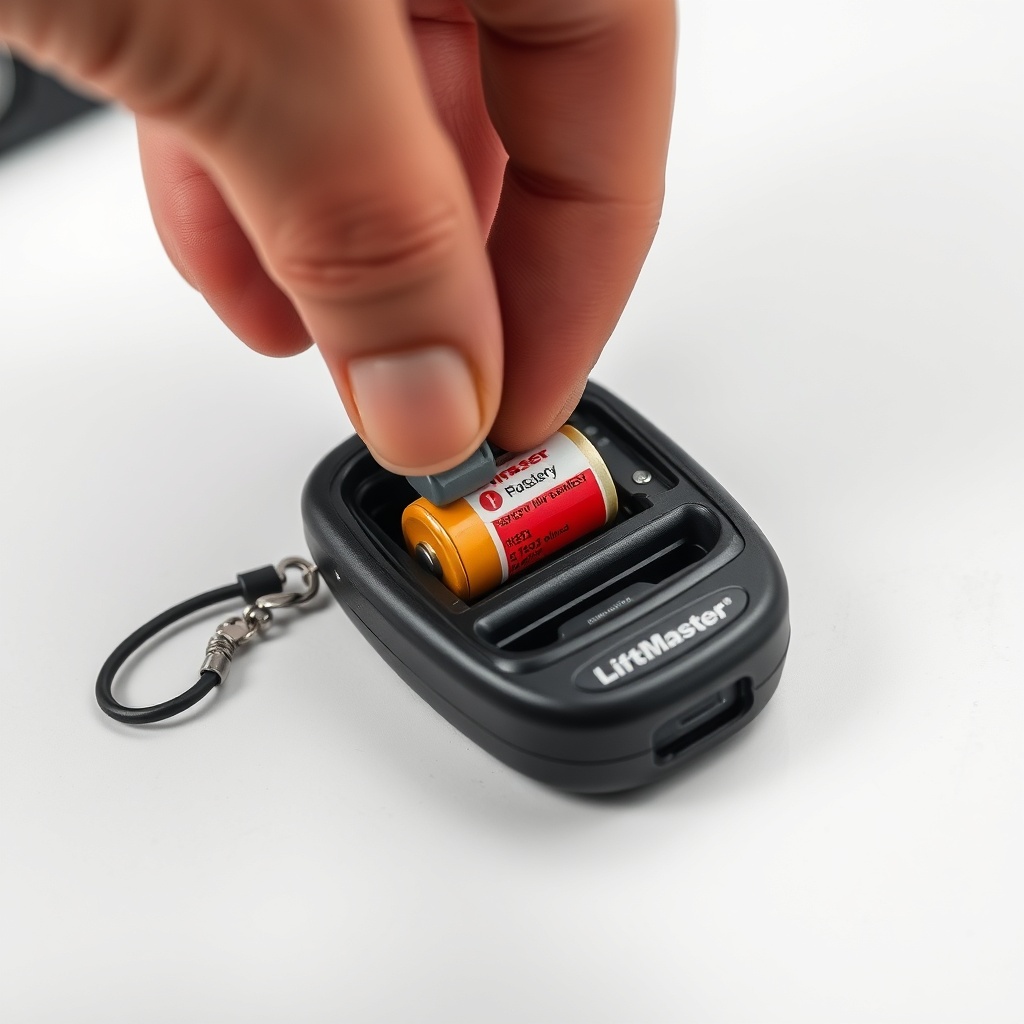
Replacing the battery in a LiftMaster 8550WLB remote is a straightforward task, but it often leads to confusion when the remote stops working immediately after. The most common reason is that the new battery is not properly seated or is of the wrong type. The 8550WLB uses a CR2032 3V lithium coin cell, and if the polarity (+ side facing up) is reversed, the remote will not transmit. Additionally, static discharge during battery replacement can sometimes erase the remote’s memory, requiring a full reprogramming. Before diving into complex troubleshooting, check the battery orientation and ensure the metal contacts in the remote are clean and making good contact. If the remote still fails, proceed to the programming steps below, which often resolve the issue without needing a service call.
How do I clear all existing codes from my LiftMaster 8550WLB before programming a new remote?
Erasing all programmed remotes and keypads from the garage door opener’s memory is a critical first step when adding a new remote, especially if you are troubleshooting an unresponsive unit. To clear the memory on a LiftMaster 8550WLB, locate the “Learn” button on the rear panel of the motor unit (this is a rectangular, usually yellow or purple button). Press and hold the Learn button for approximately 6 to 10 seconds until the LED next to it turns off. This action erases all codes stored in the opener, including those for remotes, keyless entry pads, and wireless wall controls. After the LED goes off, release the button. The opener is now reset to factory default settings. You can then proceed to program your new remote as if it were the first time. This technique is particularly effective for resolving conflicts caused by old or corrupted codes. For more detail on resetting the entire system, refer to the LiftMaster 8550WLB Troubleshooting Guide: Fix 10 Common Issues.
What is the correct programming sequence for a LiftMaster 8550WLB remote?
Programming a LiftMaster 8550WLB remote follows a simple three-step process, but many users inadvertently skip a step or mis-time the sequence. Here is the definitive method:
- Step 1: Locate the “Learn” button on the opener (usually a yellow or purple button on the back of the motor unit). Press and release the Learn button. The LED next to it will start blinking steadily (about once per second). You have 30 seconds to complete the next step.
- Step 2: Within 30 seconds, go to your remote and press and hold the button you wish to program (typically the large square button). Hold it for about 3 to 5 seconds. If the opener’s lights flash or you hear a click, the code has been accepted. Release the button immediately.
- Step 3: Press the same button on the remote again to confirm the door operates. If the door moves, programming is successful. If not, the opener may have timed out, and you will need to repeat from Step 1.
One common error is pressing the remote button too quickly or releasing it before the opener acknowledges the code. Hold the button steadily until you see the feedback (lights blinking or a click). Also, ensure you are within range (typically 50 to 100 feet) during programming. If the remote still does not work, verify that the opener is not in “lock” mode (indicated by a solid LED on the wall control). More detailed troubleshooting on drive-related issues can be found in the article LiftMaster 8550WLB Opener Drive Troubleshooting: Chain vs Belt Issues.
Why does my LiftMaster 8550WLB remote work intermittently, and how can I fix it?
Intermittent operation of the LiftMaster 8550WLB remote can be frustrating, but the causes are usually straightforward and inexpensive to fix. The primary culprits include:
- Weak battery: A CR2032 battery that is near the end of its life can cause the signal to be weak, leading to the remote working only when you are very close to the door (within 10 feet). Replace the battery with a fresh one. A genuine name-brand lithium battery is recommended.
- Interference: Other wireless devices, such as Wi-Fi routers, baby monitors, or even nearby garage door openers, can interfere with the 315 MHz or 390 MHz frequency used by the LiftMaster 8550WLB. Move the opener’s antenna wire away from metal surfaces and ensure it is hanging straight down.
- Signal blockage: The garage door itself, if metal, can block the signal when the remote is used from outside. Try pressing the remote button while the door is partially open to see if the signal improves. If so, repositioning the antenna or using a LiftMaster 8550WLB Auto-Reverse Test: Ensuring Safety may help, but signal issues are normally resolved by moving the antenna.
- Faulty remote: If the remote has been dropped or exposed to moisture, the internal circuit board may be damaged. In such cases, replacement of the remote is the most cost-effective solution.
If the problem persists after trying these steps, consider reprogramming the remote after clearing all codes (as described above) to eliminate any code corruption.
What do the LED flashes on my LiftMaster 8550WLB remote mean during programming?
The remote itself has a small LED that provides diagnostic feedback during programming. Understanding these flash patterns can save you time:
| LED Pattern on Remote | Meaning | Severity | Recommended Action |
|---|---|---|---|
| Solid light for 2 seconds | Remote is transmitting and battery is good | Info | No action needed; proceed with programming |
| Rapid blinking (3 flashes per second) | Low battery detected | Caution | Replace battery immediately |
| Slow blinking (1 flash per 2 seconds) | Remote is in programming mode or memory is full | Warning | Clear memory on opener (press Learn for 10 seconds) and retry |
| No light when button is pressed | Dead battery or faulty remote | Critical | Replace battery first; if still no light, replace remote |
If the remote’s LED behavior does not match any of these patterns, you may be dealing with an intermittent hardware issue. In such cases, testing the remote on a different LiftMaster opener (if available) can help determine if the problem is with the remote or the opener.
Can I program a third-party remote to my LiftMaster 8550WLB, or must it be genuine?
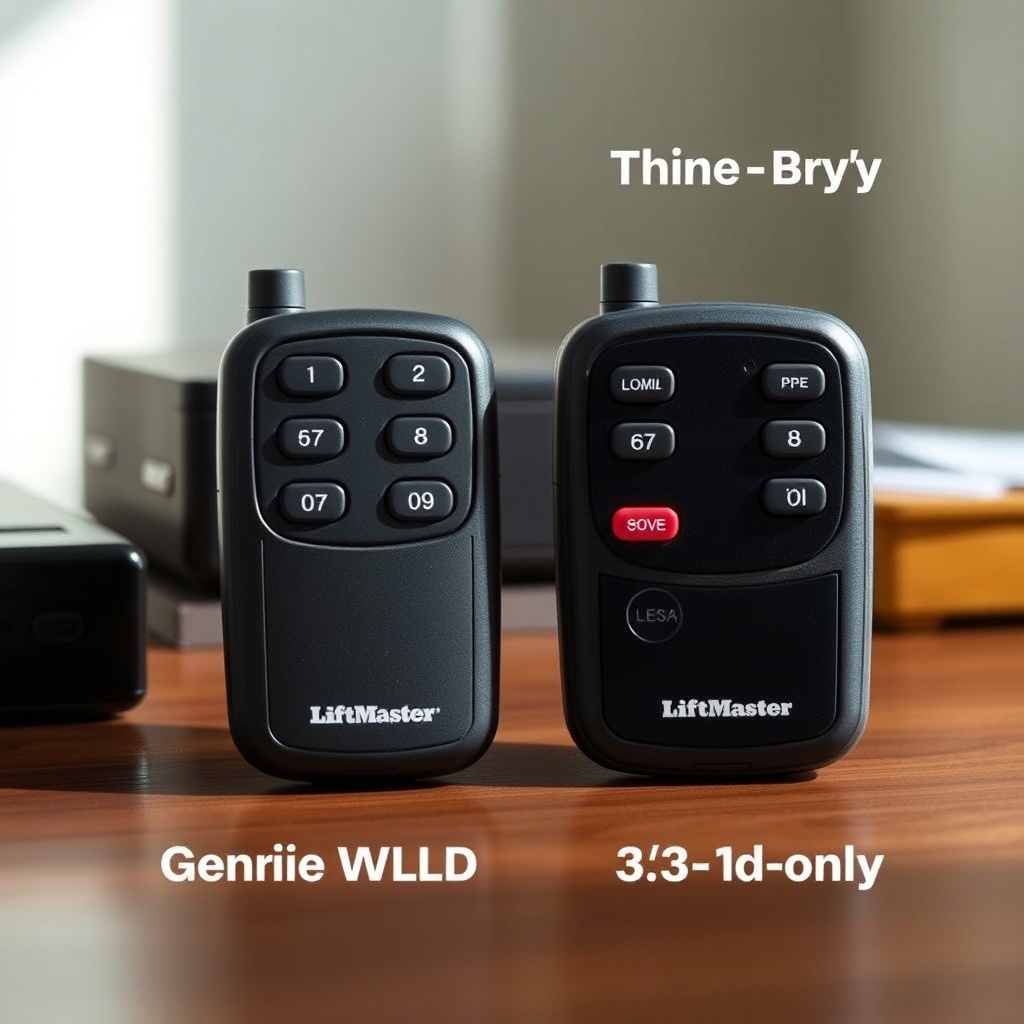
While LiftMaster strongly recommends using genuine remotes for optimal performance and security, the 8550WLB is compatible with many third-party universal remotes that support rolling code technology (specifically, the Security+ 2.0 protocol used by LiftMaster). However, there are limitations. Third-party remotes may not support all features, such as the ability to control multiple doors from one button, and they may have shorter range or less reliable signal. If you choose a third-party remote, look for one that explicitly states compatibility with “LiftMaster Security+ 2.0” and is FCC-approved. The programming sequence is often the same as with a genuine remote, but some third-party models require a longer hold of the Learn button on the opener (up to 10 seconds) or a specific sequence on the remote itself. Always follow the instructions provided with the third-party remote. For users who value reliability and simplicity, spending £25 to £40 (GBP) on a genuine LiftMaster 8550WLB remote is usually worth the investment. If you are considering replacing the entire opener due to compatibility issues, check the LiftMaster 8550WLB Installation Cost and DIY vs Pro Guide to evaluate your options.
What owners say about LiftMaster 8550WLB remote programming
User feedback on programming the LiftMaster 8550WLB remote is generally positive, but several recurring themes emerge. Many owners remark that the initial programming is “almost too easy” once the battery is known to be good. However, a common frustration is the 30-second window between pressing the Learn button and programming the remote—several users have noted that they missed the timing and had to repeat the process multiple times. Another frequent comment involves the disappearance of programming after a power outage; this is not a universal issue, but some units seem to lose memory after a prolonged power interruption. Owners strongly advise keeping a spare CR2032 battery on hand and testing the remote immediately after a power outage. One reviewer on a UK-based forum wrote, “The remote programming took me three attempts because I didn’t press the Learn button hard enough—the LED didn’t actually turn on. Once I pushed it firmly, it worked in 10 seconds.” Another owner highlighted the importance of the clearing codes step: “I had two old remotes that I thought were broken. Erasing all codes and reprogramming them fixed both. It saved me buying new ones.” For those who need a step-by-step approach with visuals, many owners recommend the LiftMaster 8550WLB Cable Replacement: When and How article, though it covers a different topic, because the clarity of instruction is similar.
Frequently Asked Questions
How do I know if my LiftMaster 8550WLB remote battery is dead?
When you press the button on the remote, the LED on the remote itself should light up brightly. If it is dim or does not light at all, the battery is likely dead. Additionally, if the door no longer responds to the remote from inside the garage but works from very close range (less than 5 feet), a weak battery is the most likely cause. Replace the CR2032 battery first.
Can I program my LiftMaster 8550WLB remote without the Learn button?
No, the Learn button is essential for programming the remote to the opener. If the Learn button is damaged or inaccessible, you will need to use a wall control with programming functionality (some models allow it) or contact a professional to service the opener. However, the Learn button is typically very robust and located on the back panel of the motor unit.
My LiftMaster 8550WLB remote suddenly stopped working after a power outage. What happened?
The opener’s memory may have been cleared during the power surge or outage. Press and release the Learn button on the opener and see if the indicator LED starts blinking. If it does, you can reprogram the remote as usual. If the Learn button LED is off and does not respond, the opener may have a faulty logic board. In that case, refer to the LiftMaster 8550WLB Troubleshooting Guide for further diagnosis.
How many remotes can I program to my LiftMaster 8550WLB?
The 8550WLB can store up to 40 device codes (including remotes, keypads, and wireless wall controls). If you exceed this number, you will need to clear memory and re-program only the devices you need. You can clear the memory by holding the Learn button for 10 seconds.
Is there a way to program a LiftMaster 8550WLB remote using a smartphone app?
The LiftMaster 8550WLB does not have built-in Wi-Fi or Bluetooth, so it cannot be programmed via a smartphone app directly. However, if you purchase the optional LiftMaster Internet Gateway (Model 828LM), you can control the opener remotely through the myQ app, but that still requires initial programming of the remote to the opener using the Learn button.
What should I do if my new LiftMaster 8550WLB remote is still not working after following the programming steps?
First, ensure the opener has power and is not in “lock” mode (check the wall control for a solid LED). Next, verify that the remote’s battery is fresh and installed correctly. If the problem persists, try clearing all codes from the opener (press Learn for 10 seconds) and then reprogramming. If you still have no success, consider replacing the remote—often, internal damage can occur from static electricity or drops. If the remote works on another opener, the issue is with the 8550WLB unit itself, and you may need professional service. For further reading, the LiftMaster 8550WLB Spring Tension Measurement: Essential Tool Guide may provide insight into other potential mechanical issues affecting performance.