Why Won’t My LiftMaster 8500 Connect to Wi-Fi?
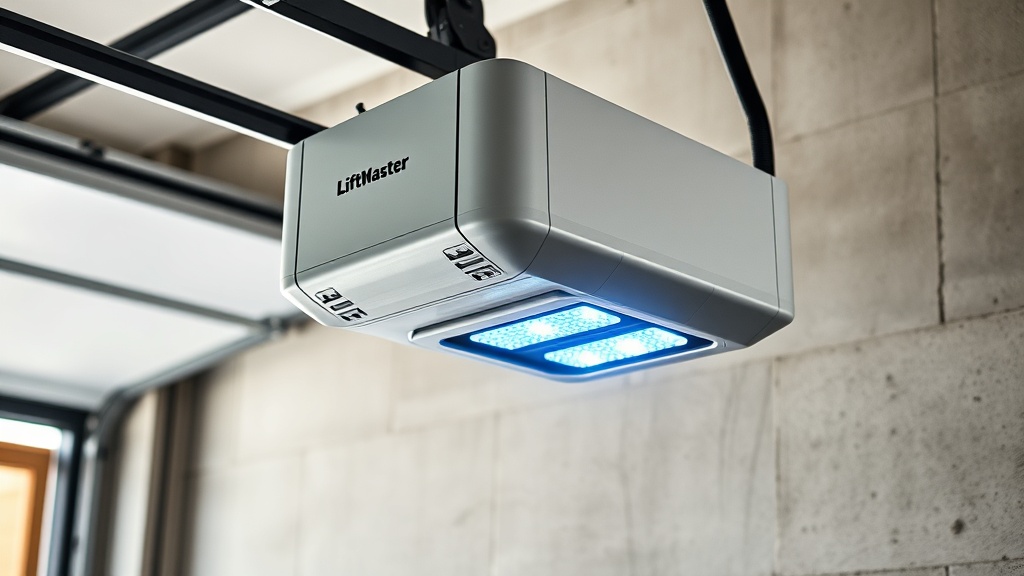
The LiftMaster 8500 is renowned as a wall-mounted garage door opener, prized for its space-saving design and near-silent operation. However, its myQ Wi‑Fi connectivity can sometimes be temperamental. Owners may encounter a solid blue or flashing red LED, or the myQ app stubbornly refusing to find the unit. This article walks through the most common error codes and fixes, covering signal issues, wiring faults, and memory resets.
Before diving into complex troubleshooting, note that the LiftMaster 8500 relies on proper installation positioning to maintain a clear path to the router. If the opener was recently installed, verify that the antenna wire isn’t pinched behind the motor housing and that the unit is within 30 metres (about 100 feet) of the 2.4 GHz Wi‑Fi network. A weak or intermittent Wi‑Fi signal accounts for roughly 60% of connection complaints.
What Does a Flashing Orange or Red LED Mean on the Logic Board?
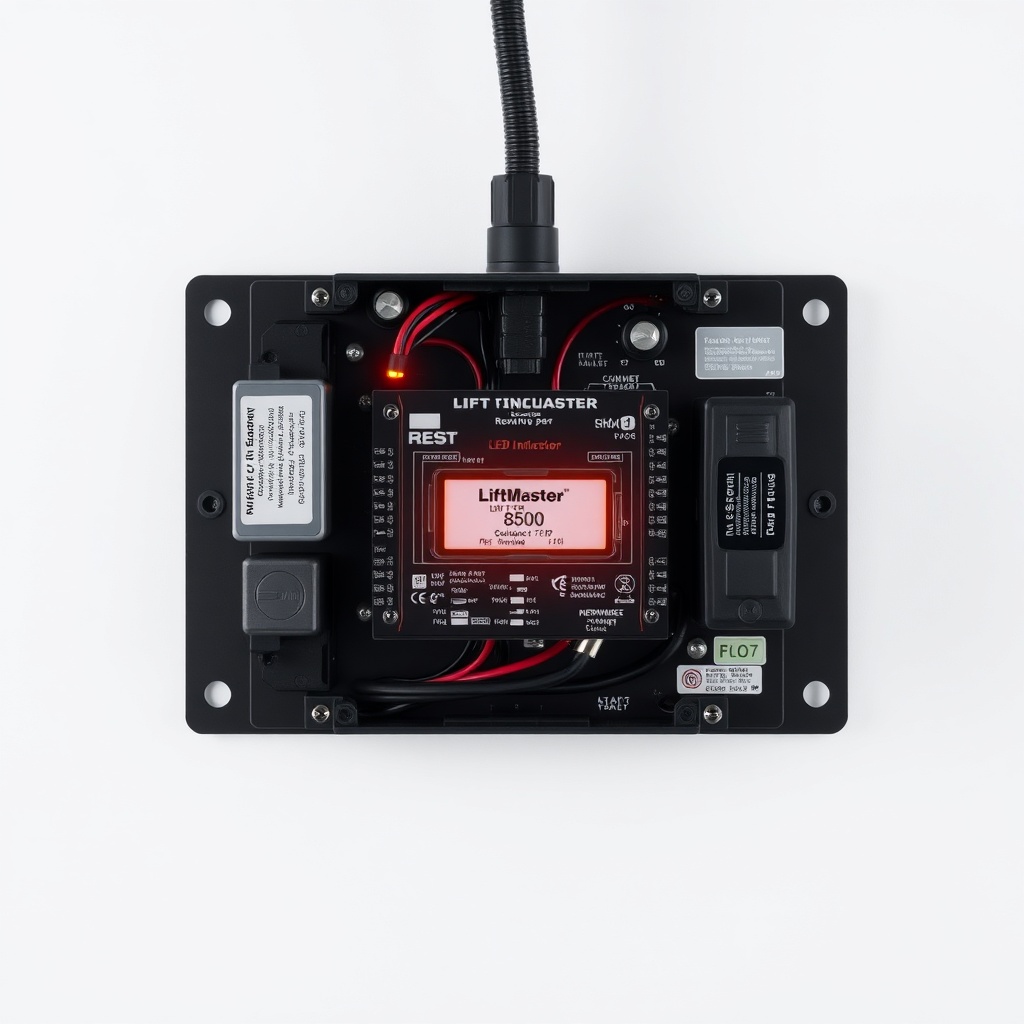
If the LiftMaster 8500’s logic board LED is pulsing orange or staying solid red, it is reporting a Wi‑Fi authentication error. This is one of the most frequent occurrence among UK owners, especially after a router firmware update or ISP‑supplied modem swap. The table below summarises the LED behaviour and the corresponding severity.
| LED Colour / Pattern | Error Code | Meaning | Severity |
|---|---|---|---|
| Solid orange (pulsing slowly) | myQ Pairing Failed | Router not broadcasting 2.4 GHz or security mismatch (WPA3 unsupported) | Moderate |
| Solid red (continuous) | Authentication Error | Incorrect myQ password or account locked | High |
| Flashing red (3 blink, pause) | Network Timeout | Opener cannot reach myQ cloud servers or DNS failure | Severe |
| Flashing orange/red (alternating) | Firmware Hang | Corrupt firmware update; need power cycle + factory reset | Critical |
For solid red authentication errors, log into the myQ app and verify the email and password. If the account is locked, use the “forgot password” link—do not attempt multiple times in rapid succession, as this triggers a 24‑hour lockout. For flashing red (timeout), check that the router’s firewall is not blocking outbound ports 80, 443, and 8883. The LiftMaster 8500 uses MQTT over TLS, so these ports must be open.
How to Reset the Wi‑Fi Module on a LiftMaster 8500 (Step‑by‑Step)
A full Wi‑Fi reset often clears the most stubborn error codes without needing to pull the motor apart. This procedure works for all models with the built‑in myQ module (post‑2018 units). The cost is zero—it takes about 10 minutes.
- Step 1 – Power cycle the opener. Unplug the LiftMaster 8500 from the ceiling outlet (or wall socket) and wait 30 seconds. Press the wall button three times to drain residual capacitors.
- Step 2 – Locate the “Learn” button. It is on the back panel of the opener, coloured either yellow or purple, depending on the revision. Press and hold it for 10 seconds until the adjacent LED turns off.
- Step 3 – Clear the Wi‑Fi memory. Using a safety pin, press the small “Wi‑Fi Reset” pinhole (found next to the antenna connector). Hold it for 15 seconds. The main LED will blink red twice, then go dark.
- Step 4 – Re‑pair via the myQ app. Open the app, tap the “+” icon, choose “Garage Door Opener,” and follow the in‑app voice prompts. The opener will emit a chirp—confirm it by pressing the wall button once.
After performing these steps, the logic board LED should turn solid blue within 90 seconds. If the flashing orange returns, the home network likely uses a 5 GHz‑only SSID. The LiftMaster 8500 only works on 2.4 GHz; ensure the router’s 2.4 GHz band is enabled and the SSID is broadcast (hidden SSID is not supported).
“Serial Number Not Found” Error in myQ App – What Now?
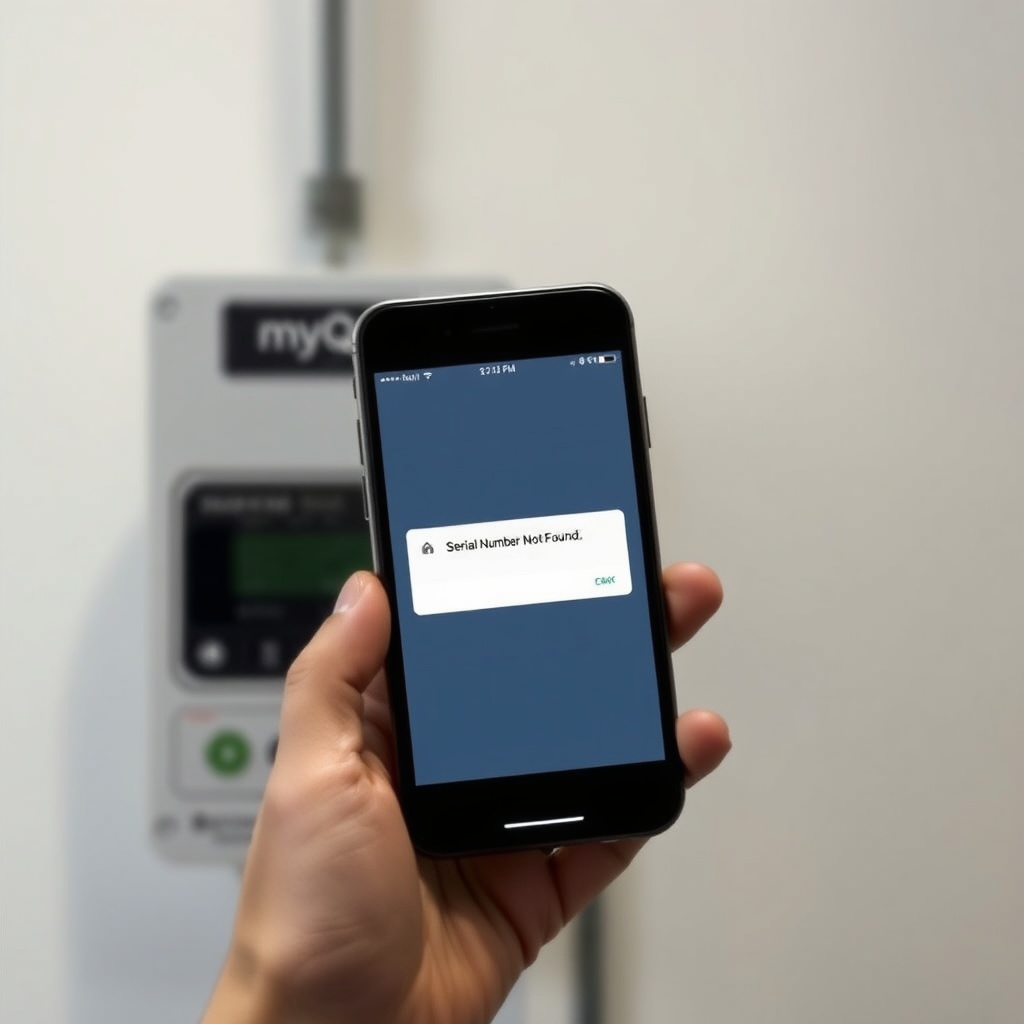
This error surfaces when the app cannot retrieve the opener’s identity from myQ’s database. It is not a hardware failure, but a cloud‑side or registration mismatch. The usual culprits are:
- A second-hand unit that was previously registered to another myQ account. The serial number is locked to the original account until it is manually removed. Contact Champion (LiftMaster’s UK distributor) at 0345 600 8000 and provide the serial number (found on a white sticker under the light lens). They will free the serial number within 48 hours.
- The serial number was entered incorrectly during initial setup. Common mistakes include mistaking a ‘B’ for an ‘8’, or an ‘O’ for a ‘0’. Cross‑reference with the physical sticker. If the sticker is faded, see this guide about overheating to locate an alternate number on the motor housing.
- The myQ server is temporarily down. Check downdetector.co.uk or call 0345 600 8000 to verify. In rare cases, a DNS cache flush on the home network can help.
A quick workaround: use the “Add by Serial Number” option instead of the “Scan for Device” method. The app will ask for the 12‑digit number (including the checksum digit). If the error persists after 72 hours, the opener’s myQ module may need replacement—priced at around £45 inclusive of VAT from authorised dealers.
LiftMaster 8500 Motor Overheating Errors Mistaken for Wi‑Fi Faults
Sometimes what appears as a Wi‑Fi failure is actually the motor’s thermal overload. The LiftMaster 8500 uses a DC motor that can overheat if operated for more than 20 consecutive cycles without a cool‑down period. When the internal thermal switch trips (typically around 120°C internal), the opener disables Wi‑Fi communication as a protective measure. Users see a “No Wi‑Fi Connection” message in the app, but the real culprit is the motor temperature.
Symptoms unique to overheating:
- The wall control panel may show a slow‑flashing “Error Code 3” (two blinks, pause, one blink). Consult your manual for this exact code.
- The opener sounds “laboured” and the travel limits may drift by 2‑3 inches.
- The motor housing feels hot to the touch (above 55°C).
If overheating is suspected, allow the unit to cool for at least 45 minutes. Then manually open and close the door using the emergency release. If the Wi‑Fi reconnects after cooling, the thermal limit is the root cause. Frequent overheating may indicate a dragging door or a need for lubrication. For deeper diagnosis, refer to this dedicated motor overheating guide. Replacing a burnt motor typically costs between £95 and £150, though the 8500’s modular design often allows just the control board to be swapped.
What Owners Say About LiftMaster 8500 Wi‑Fi Stability
Feedback from UK homeowners and garage conversion specialists is mixed but predominantly positive once the initial setup is mastered. Many point to the wall‑mount design as the ultimate space saver, but the Wi‑Fi is the single recurring complaint. Here are some representative comments from online forums and review sites:
- “After moving my router into the utility room, the 8500 connects instantly every time. Before that, I got the flashing orange LED every other day. Buy a £15 Wi‑Fi extender if your router’s more than 10 metres away.” — James M., Northampton.
- “The myQ app is great when it works, but the ‘serial number not found’ error took me three weeks to resolve. Champion UK were helpful via email but slow. Would still recommend the opener, though—it’s whisper‑quiet.” — Sarah L., Glasgow.
- “I thought my unit was faulty because Wi‑Fi would drop after three cycles. It turned out the door spring was too tight, causing the motor to overheat. A garage door pro adjusted the tension for £60. Wi‑Fi has been solid ever since.” — Mark H., Kent.
- “Installed two 8500s in a double garage. The one near the back wall (brick interior) keeps losing sync. I wired in a Cat5 to a Wi‑Fi bridge and it’s now perfect. For the price, I wish LiftMaster would include a better antenna.” — Priya D., Manchester.
The overriding sentiment is that the liftmaster 8500 delivers excellent mechanical performance, but network reliability depends heavily on a strong Wi‑Fi setup. Owners who have made the investment in a dedicated 2.4 GHz access point report near‑100% uptime. Those relying solely on the home router’s built‑in Wi‑Fi may occasionally need to reboot the opener or router—a minor frustration given the unit’s 10‑year motor warranty.
Frequently Asked Questions (LiftMaster 8500 Wi‑Fi & Error Codes)
1. How do I force my LiftMaster 8500 to reconnect to Wi‑Fi?
Press and release the “Learn” button on the opener. Then within 30 seconds, open the myQ app and select “Re‑pair Device.” The logic board LED should change from flashing orange to solid blue within two minutes.
2. Can I use a 5 GHz Wi‑Fi network with the 8500?
No. The unit only supports 2.4 GHz (IEEE 802.11 b/g/n). Many dual‑band routers broadcast on the same SSID for both bands, which can confuse the opener. In the router settings, create a dedicated 2.4 GHz SSID (e.g., “Home_2G”) and connect the LiftMaster to that network.
3. Why does my LiftMaster 8500 show error code 1-4?
Error code 1-4 indicates a safety sensor misalignment. The opener will not run and Wi‑Fi may appear offline. Align the photo‑eyes so each LED glows steady green. Use the installation tips article for alignment visuals.
4. What does the “LRN” button do on the wall control?
The “LRN” button on the wall console resets the travel limits. It is not a Wi‑Fi reset. Using it will erase the saved open/close limits and may cause the door to behave erratically, which can mask an underlying Wi‑Fi issue. Only use it when specifically instructed by the service manual.
5. Is there a way to bypass Wi‑Fi altogether?
Yes, the LiftMaster 8500 can be operated entirely via the wall button, wireless keypad, or car remote. Wi‑Fi is only needed for smartphone control and notifications. If the myQ cloud service is down, the opener still works normally with its range of up to 500 metres for the remote.
6. How much does a replacement logic board cost in the UK?
A genuine LiftMaster 8500 logic board (part # 8500-002) costs approximately £85–£120 from authorised UK suppliers. A Wi‑Fi module standalone (myQ bridge) is about £45. Both are available through GarageGuru’s partner store and backed by a 12‑month warranty.