LiftMaster 8500 Remote Programming: Troubleshooting Common Issues
The LiftMaster 8500 is a premium wall-mount garage door opener known for its quiet operation and space-saving design. However, even the most reliable openers can face hiccups during remote programming, often leaving homeowners puzzled with error codes or unresponsive remotes. This guide helps you diagnose and fix common LiftMaster 8500 remote programming issues, focusing on troubleshooting error codes and ensuring smooth operation.
Why Is My LiftMaster 8500 Remote Not Programming?
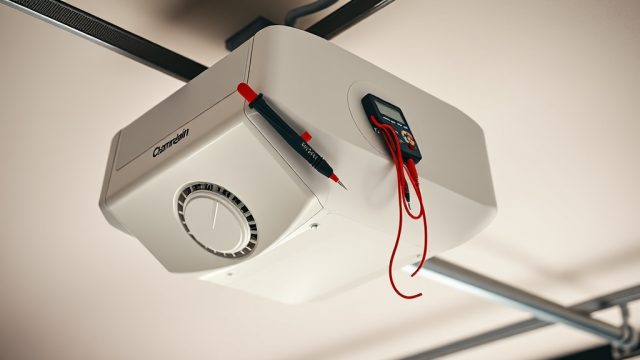
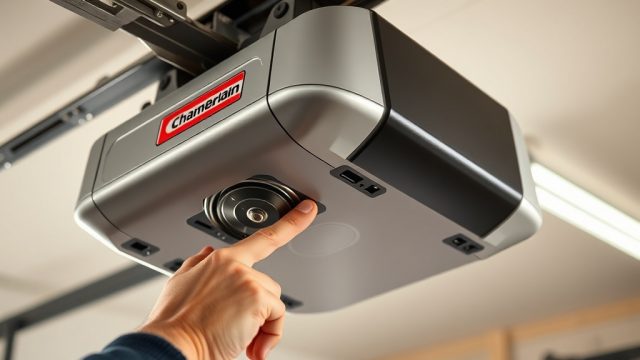
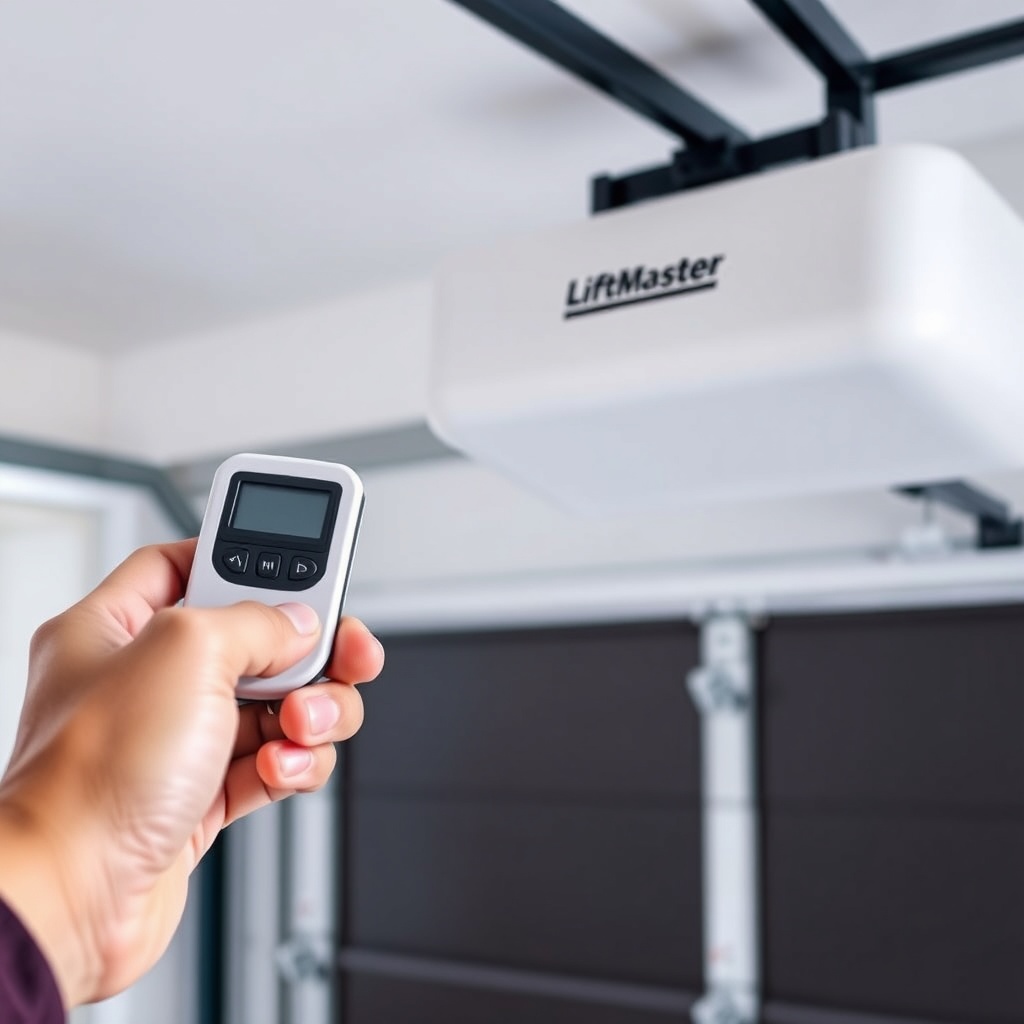
If you press the learn button on the opener and your remote doesn’t pair, the problem often lies in the programming sequence or a component fault. Start by verifying the remote has fresh batteries (use a multimeter to check voltage if unsure). Next, ensure you are within 10 feet of the opener. Many users overlook the three-step process: press and release the learn button on the wall-mount unit, then within 30 seconds press and hold the remote button until the opener lights flash. If the lights do not flash, the issue might be a faulty learn button switch or a jammed remote.
Common culprits include:
- Battery polarity reversed in the remote.
- Interference from nearby Wi-Fi routers or security systems.
- The opener’s logic board not accepting signals after a power surge.
If the above steps don’t work, check the LiftMaster 8500 Safety Sensor Alignment: Troubleshooting and Adjustment Guide to ensure sensors are aligned, as misaligned sensors can interrupt the logic board’s readiness to pair.
What Does Error Code “Learn” Blink Sequence Mean?
The LiftMaster 8500 uses a learn button LED blink pattern to indicate specific errors. When programming a remote, if the learn button LED blinks rapidly or stays solid, it signals a conflict. For example:
| Blink Pattern | Interpretation | Severity | Solution |
|---|---|---|---|
| 1 blink, pause | Remote battery low or wrong remote type | Medium | Replace battery or use a compatible remote (315 MHz vs 390 MHz) |
| 2 blinks, pause | Opener circuit board memory full | High | Erase all codes by pressing learn button for 6 seconds, then reprogram |
| 3 blinks, pause | Rapid interference or sensor error | High | Check safety sensor alignment (see linked guide below) |
| Solid light, no flash | Programming mode active but no signal received | Low | Move closer to opener and try again |
If you see rapid blinking with no pattern, it often indicates a corrupted memory on the logic board. A factory reset (press and hold learn button until three blinks) may help. For persistent errors, consult the LiftMaster 8500 Opener Motor Noise Diagnosis: Causes and Solutions as motor issues can sometimes mimic communication errors.
My LiftMaster 8500 Remote Works Intermittently – What Now?
Intermittent remote functionality usually points to radio frequency (RF) interference or a failing remote. First, try a different remote to isolate the problem. If only one remote acts up, replace its battery with a CR2032 lithium coin cell. For all remotes failing, interference is likely. Common household sources include:
- LED light bulbs (especially CFL or cheap LEDs) emitting RF noise.
- Metal garage door panels blocking signals.
- Neighbor’s security cameras on 433 MHz frequency.
Move the opener’s antenna wire (a small grey wire hanging from the unit) away from metal and ensure it’s fully extended. Also, consider installing a LiftMaster 8500 Opener Drive Adjustment: Chain Tension and Belt Alignment Guide if you’ve recently adjusted drive components, as mechanical binding can cause the logic board to ignore signals.
How to Fix “Solid Red” Learn Button on LiftMaster 8500?
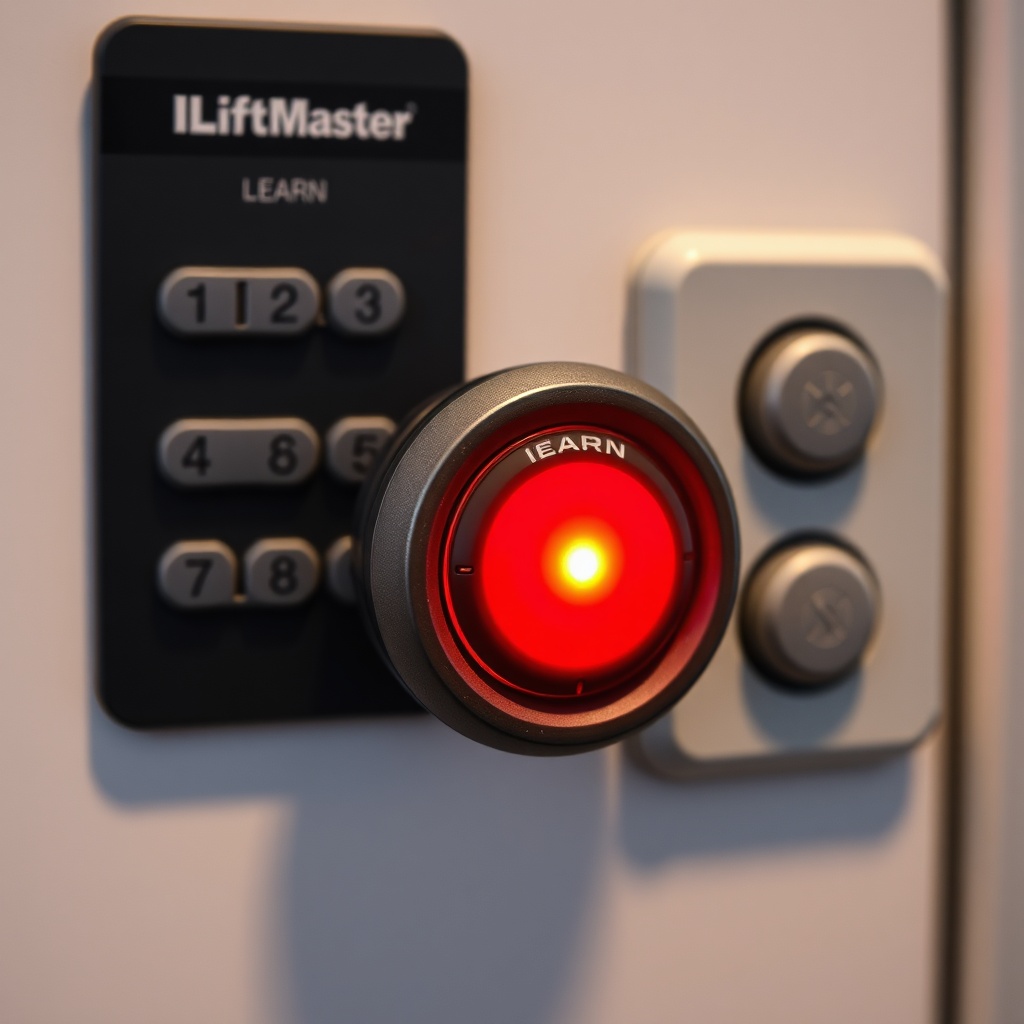
A solid red learn button indicates the opener is in lock-out mode or has a critical hardware fault. This often happens after a power outage or when the opener’s travel limits were disrupted. To reset:
- Unplug the opener for 30 seconds, then re-plug.
- Press and hold the lock button on the wall control for 5 seconds to disable vacation lock.
- If solid red persists, test the motor capacitor (see the LiftMaster 8500 Wall-Mount Opener Motor Capacitor Testing Tutorial), as a failing capacitor can cause the logic board to stay in safe mode.
If the opener produces a clicking sound when attempting to run, the capacitor may be dead, requiring replacement. For DIYers, this is a straightforward repair, but if you’re unsure, professional help is recommended.
What Are the Most Common Remote Programming Error Codes?
Beyond blinks, the LiftMaster 8500 may display specific error codes on the wall control or via the MyQ app. Here are frequent codes and fixes:
| Error Code | Meaning | Solution |
|---|---|---|
| ERROR 1-5 | Safety sensor obstruction | Clean sensor lenses and ensure alignment |
| ERROR 2-1 | Remote battery low | Replace remote battery |
| ERROR 3-3 | Logic board RF receiver fault | Reset opener, check antenna wire |
| ERROR 4-2 | Travel module failure | Run travel limit setup sequence |
For ERROR 1-5, you must check the sensors. Refer to the LiftMaster 8500 Safety Sensor Alignment: Troubleshooting and Adjustment Guide for detailed steps. A simple misalignment can prevent the opener from accepting any remote commands.
What Owners Say
Homeowners frequently praise the LiftMaster 8500 for its reliability but note that remote programming can be finicky. A common sentiment is: “Once you get the hang of the 30-second window, it works perfectly.” Some users report that after replacing the remote battery, they needed to re-pair because the memory cleared. Others found that moving the antenna wire from behind the unit resolved intermittent issues. The most recurring advice from owners is to always sync the remote with the opener in quiet mode to avoid confusion from motor noise.
Positive feedback highlights the quiet operation and the ability to program multiple remotes easily when following the manual. Negative experiences often trace back to user error, such as using the wrong remote type (e.g., a 390 MHz remote on a 315 MHz opener). A few owners mention that after a firmware update via MyQ, some remotes needed re-pairing.
Frequently Asked Questions
How do I reset my LiftMaster 8500 remote?
Press and hold the learn button on the opener for 6 seconds until the LED blinks three times. This erases all remotes and keypads. Then, re-pair each remote by pressing the learn button once and following the standard programming steps.
Why does my LiftMaster 8500 remote flash but not open the door?
This usually means the remote is sending a signal, but the opener is ignoring it due to travel limit issues or a locked door. Check if the opener’s wall control shows “Lock” or “Vacation mode.” Also, test the door manually; if it’s stuck, the opener won’t respond.
Can I use a universal remote with the LiftMaster 8500?
Yes, but only if the remote is compatible with Security+ 2.0 technology (rolling code). Older universal remotes without rolling code may not work. Look for remotes that specify “LiftMaster 8500 compatible” on the packaging.
How many remotes can the LiftMaster 8500 store?
The opener can store up to 40 remote codes. If you reach the limit, you must erase all codes and reprogram them. Avoid using the same remote for multiple openers unless you specifically set up a multi-door scenario.
What do I do if my LiftMaster 8500 remote stops working after a power outage?
Power outages can sometimes reset the opener’s memory. Press the learn button once (not hold) to re-enter programming mode. Then, press and release the remote button. If that doesn’t work, perform a full reset by holding the learn button for 6 seconds.
Is the LiftMaster 8500 compatible with HomeLink?
Yes, most vehicles with HomeLink are compatible. To sync, press and hold the HomeLink button in your car (usually two outer buttons) until the light blinks rapidly. Then, press the learn button on the opener and return to the car within 30 seconds to press the trained button. Follow your vehicle’s manual for exact steps.