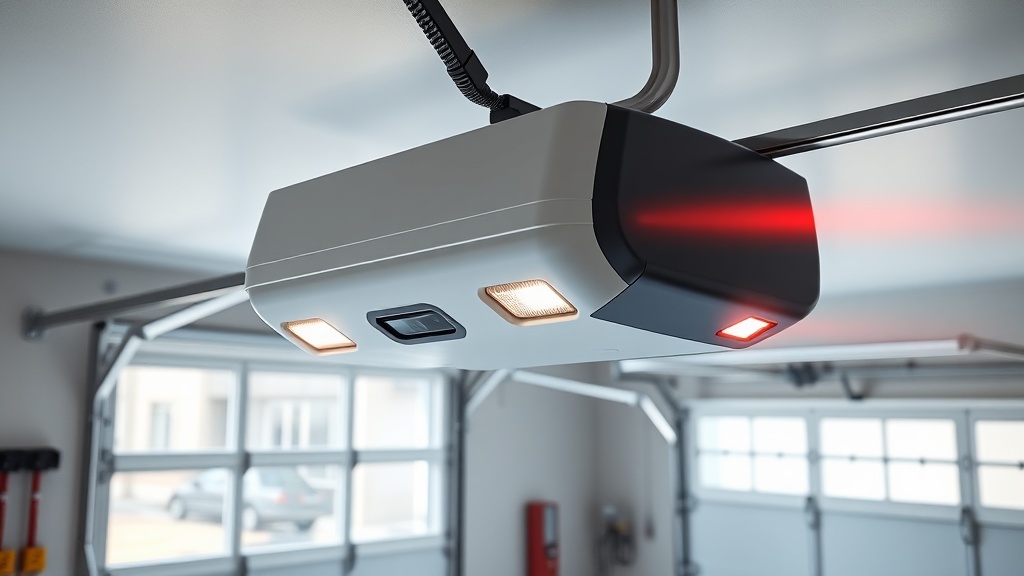
Chamberlain B1381 Safety Sensor Alignment: Quick Fix Guide
If your Chamberlain B1381 opener refuses to close the door or the lights flash ten times, misaligned safety sensors are often the culprit. These infrared eyes, mounted on each side of the door track, must face each other perfectly and remain unobstructed. This guide delivers specific, practical steps to realign the sensors on your B1381 and restore reliable auto‑reverse function.
Why Do the Sensors on My Chamberlain B1381 Go Out of Alignment?
Alignment issues typically stem from physical movement. Garage door tracks vibrate during operation, and over time the sensor brackets loosen. A bump from a broom, lawnmower, or even a child’s toy can knock one sensor a few millimetres off its axis. Temperature fluctuations also cause metal brackets to expand and contract. On the B1381, the sensors are especially sensitive because the infrared beam is narrow; even a 2‑mm offset can trigger the fault condition. Check for loose wing nuts on the sensor brackets—these are the most common source of misalignment.
If the sensors are physically secure but you still get a blinking error, inspect the wiring. Rodent damage or a pinched wire can interrupt the signal. For deeper electrical troubleshooting, see our Chamberlain B1381 Error Code Analysis: Common Codes Decoded.
How Do I Check the Alignment Without a Tool?
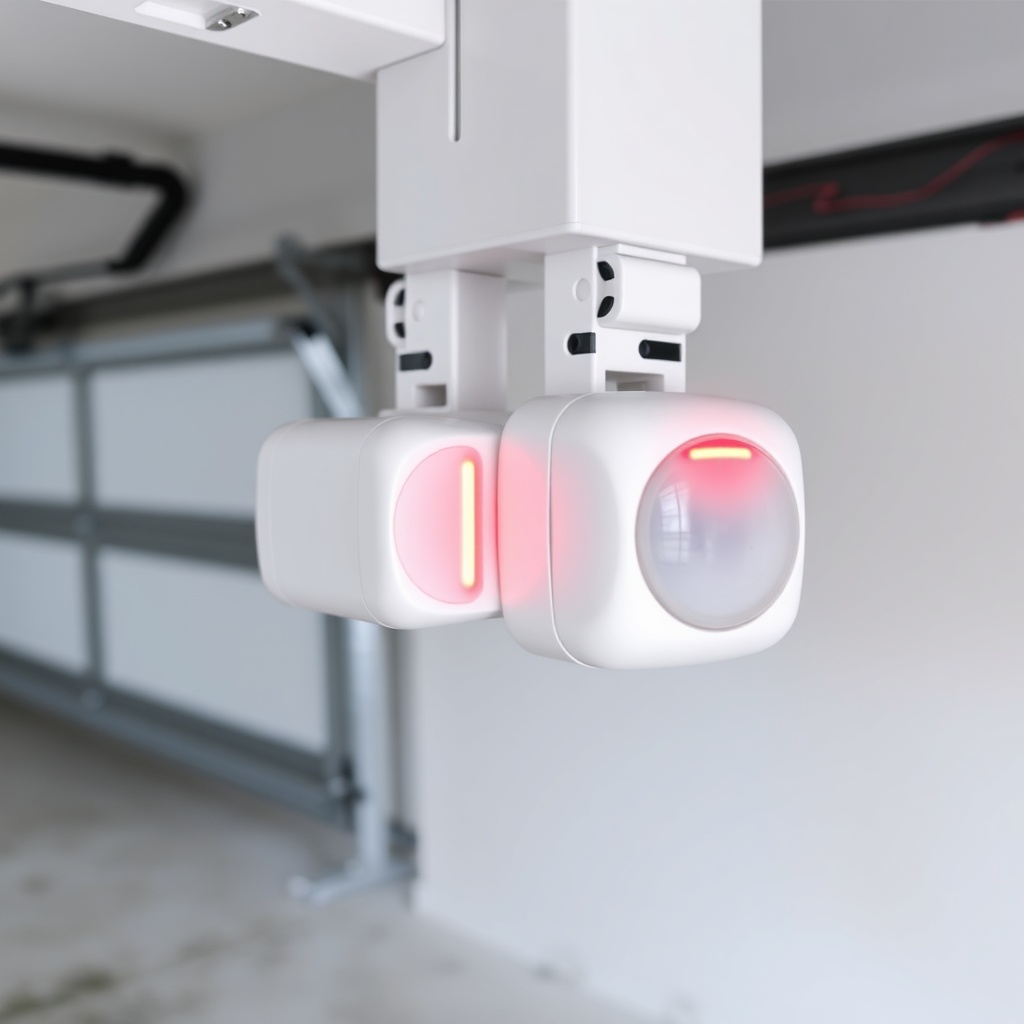
The Chamberlain B1381 gives you a built-in visual check. Stand at the open doorway and look directly at the LED on each sensor. On the sending sensor (the one with the wire from the opener), the LED should be on solid. On the receiving sensor, the LED must also be on solid and not blinking. If the receiving sensor’s LED is off or flashing, the beam is broken or misaligned. You can also hold a white piece of paper or cardboard directly in front of the receiving sensor; if the LED turns on when you block the light, the sensor is functional but the beam path from the sending unit is off.
For a quick “freehand” alignment, loosen the wing nut on the receiving sensor just enough to pivot the bracket. Slowly move the sensor left, right, up, or down while watching the LED. When you find the position where the LED switches from blinking to steady, tighten the wing nut. Repeat for the sending sensor if needed. This method works in 90% of cases without any tools.
What Steps Should I Follow for Precise Alignment?
For a more methodical approach, follow these steps:
- Disconnect the opener from power to avoid accidental movement.
- Locate both sensors—they are approximately 150 mm above the floor on each track.
- Use a level (a 600‑mm spirit level is ideal) to ensure both sensor brackets are at the same height. Adjust by loosening the wing nut and sliding the bracket up or down.
- Measure the distance from the floor to the centre of each sensor lens. They should be within 3 mm of each other.
- Loosen the wing nut on the receiving sensor and move it slowly left/right while a helper watches the LED. When the light turns solid, tighten the nut.
- Perform the same adjustment on the sending sensor if its LED is not solid.
- Reconnect power and test the door. Press the wall button and let the door close. If it reverses immediately, the sensors are now aligned.
If the door still reverses, check for obstructions like cobwebs or dust on the lenses. Clean each lens with a soft, dry cloth. For persistent issues, the sensor brackets themselves may be bent; consider replacing them. If you suspect motor issues, refer to our Chamberlain B1381 Motor Replacement: Step-by-Step Guide.
How Do I Fix the Sensors If the LEDs Are Both Off?
If neither sensor LED lights up at all, there is no power reaching the sensors. This is a different problem from misalignment. First, verify that the opener itself has power (the overhead light should come on when you press the button). If it does, check the sensor wires at the opener terminals—they are usually labelled “SEN1” and “SEN2”. Tighten the terminal screws. If the wires are loose or corroded, strip 6 mm of fresh wire and reconnect. If the LEDs remain off, the sensor power supply on the logic board may have failed. This often requires a service call. For other failure codes, see our Chamberlain B1381 Error Code Analysis: Common Codes Decoded.
If only one LED is on and the other is off, the problem likely lies in the wiring of the dead sensor. Use a multimeter to test continuity between that sensor and the opener terminal. A reading above 5 ohms indicates a break or high resistance. Replace the wire pair or the entire sensor harness.
| Symptom | Severity |
|---|---|
| Door won’t close but both sensor LEDs are solid | Usually not urgent – check for obstructions on the track or near the sensors. Wipe lenses with a dry cloth and retest. |
| Door reverses at the bottom; one sensor LED blinks | Needs attention soon – misalignment or dirty lens. Use the quick alignment method. If persistent, clean or replace sensor. |
| Both sensor LEDs off | Needs attention soon – no power to the sensors. Check wiring, terminal connections, and eventually the logic board. |
| One sensor LED is dim or flickering | Needs attention soon – possible failing sensor or wire corrosion. Test with a multimeter; replace sensor if needed. |
Can the Sensors Cause the Door to Open Unexpectedly?
No, the safety sensors are only active during the closing cycle. They do not trigger an opening sequence. If your B1381 opens randomly, the problem is elsewhere—likely a faulty wall control, remote, or logic board. However, if the sensors are misaligned and the door reverses during closing, it may appear as if the door is “opening” when it is actually reversing. True unexpected opening is rarely sensor-related. If you are experiencing that, check the Best Garage Door Openers Review: Chamberlain vs LiftMaster vs Genie to compare features, or inspect your remote batteries.
What Do Owners Report About the B1381 Sensor Alignment?
Many owners appreciate that the B1381’s sensors have a large receiving cone, making alignment easier than some older models. However, a common complaint is that the wing nuts provided with the opener are plastic and can strip after a few adjustments. Several users recommend replacing them with stainless steel wing nuts from a hardware store for 2–3 GBP. Another observation: the bracket design sometimes allows the sensor to rotate slightly when the nut is tightened, requiring two hands to hold the sensor in place. A simple trick is to use a small piece of double-sided tape on the back of the sensor to hold it steady while you tighten. Finally, owners note that the sensors are more sensitive to morning condensation in colder months; wiping the lenses with a clean cloth usually resolves the issue.
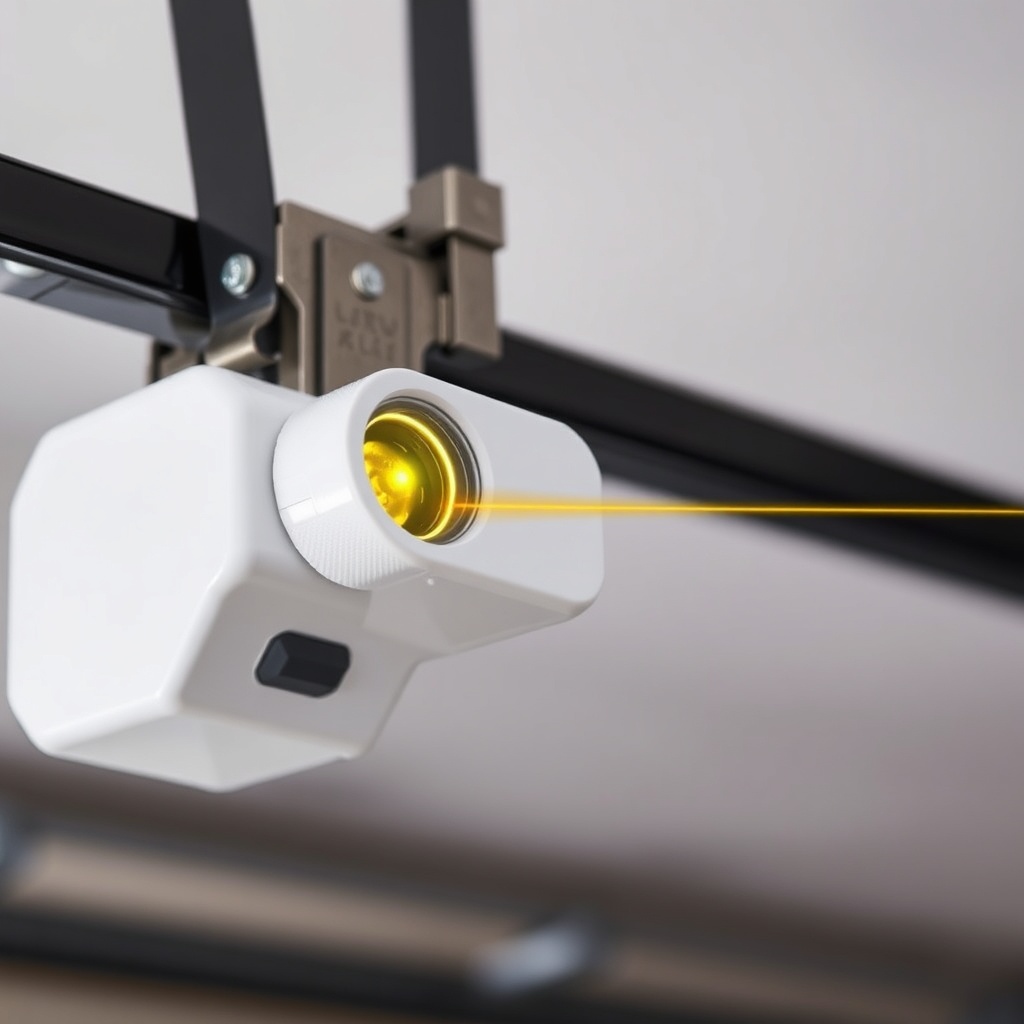
If alignment becomes a recurring chore, consider investing in a laser alignment tool—some owners report it cuts adjustment time in half. For more on keeping your B1381 in top shape, our Chamberlain B1381 Spring Repair: Torsion vs Extension guide covers the other half of the balance equation.
Frequently Asked Questions
1. How often should I check the alignment of my Chamberlain B1381 safety sensors?
Visually inspect the sensor LEDs once a month. If you notice the door reversing unexpectedly during closing, check alignment immediately. A full alignment check with a level is recommended every six months or after any impact to the tracks.
2. What do the flashing lights on the B1381 mean for sensor issues?
If the overhead light flashes exactly ten times after a failed closing attempt, it indicates a safety sensor error. If the door does not move at all and the light flashes once per second, the sensors are misaligned. Refer to the error code table in the manual or our dedicated guide.
3. Can I bypass the safety sensors on my B1381?
No. Bypassing the sensors is illegal in most jurisdictions and violates safety standards. The Chamberlain B1381 will not operate if the sensors are disconnected or bypassed. The opener’s logic board is designed to detect a missing sensor signal and will refuse to close the door.
4. Do I need to replace both sensors or just one?
If one sensor fails, replace the pair. The sending and receiving sensors are matched in frequency and response. Mixing old and new units can cause intermittent issues. A new sensor pair costs roughly 20–25 GBP from an online retailer.
5. How far apart can the sensors be mounted?
The maximum distance between the two sensors is 6 metres (20 feet). For wider garages, use an extension wire. The B1381’s sensors are designed for a maximum beam path of 10 metres, but practical alignment becomes more difficult beyond 6 metres.
6. What if the sensors are aligned but the door still reverses?
Check the track for obstructions like a broken spring or a bent section. Also verify the auto-reverse force setting on the opener. If the force is set too low, the door will reverse even with clear sensors. Adjust the force dials by 1–2 increments and retest. For deeper diagnostics, our Chamberlain B1381 Error Code Analysis: Common Codes Decoded may pinpoint the issue.