Chamberlain B1381 Safety Sensor Alignment Guide: Troubleshooting Tips
Safety sensors are the primary line of defence for any garage door opener, and the Chamberlain B1381 model is no exception. Misalignment, obstruction, or wiring damage can prevent the door from closing, leaving your garage insecure and your schedule disrupted. This guide walks you through the most common sensor faults and offers clear, step-by-step fixes you can perform at home.
1. Why Are My Chamberlain B1381 Sensors Blinking and the Door Won’t Close?
The Chamberlain B1381 uses a pair of infrared safety sensors located near the floor on each side of the door track. Under normal conditions, both sensor indicator lights should be solid green (or solid red, depending on revision). If the door refuses to close and the opener lights flash ten times, the sensors are misaligned or obstructed. The most common cause is a knocked sensor after someone brushes against it, or a spider web blocking the beam.
Quick check: Ensure nothing is within two feet of the sensor lenses—including storage boxes, tools, or debris. Clean the lenses with a soft, dry cloth. If the lights remain off or flickering, proceed to alignment. Remember that the Chamberlain B1381 error code for sensor issues is a flashing overhead light pattern of ten flashes. For a full list of fault codes, see our Chamberlain B1381 Error Code Decoder: Troubleshooting Common Faults.
2. How Do I Realign the Chamberlain B1381 Safety Sensors?
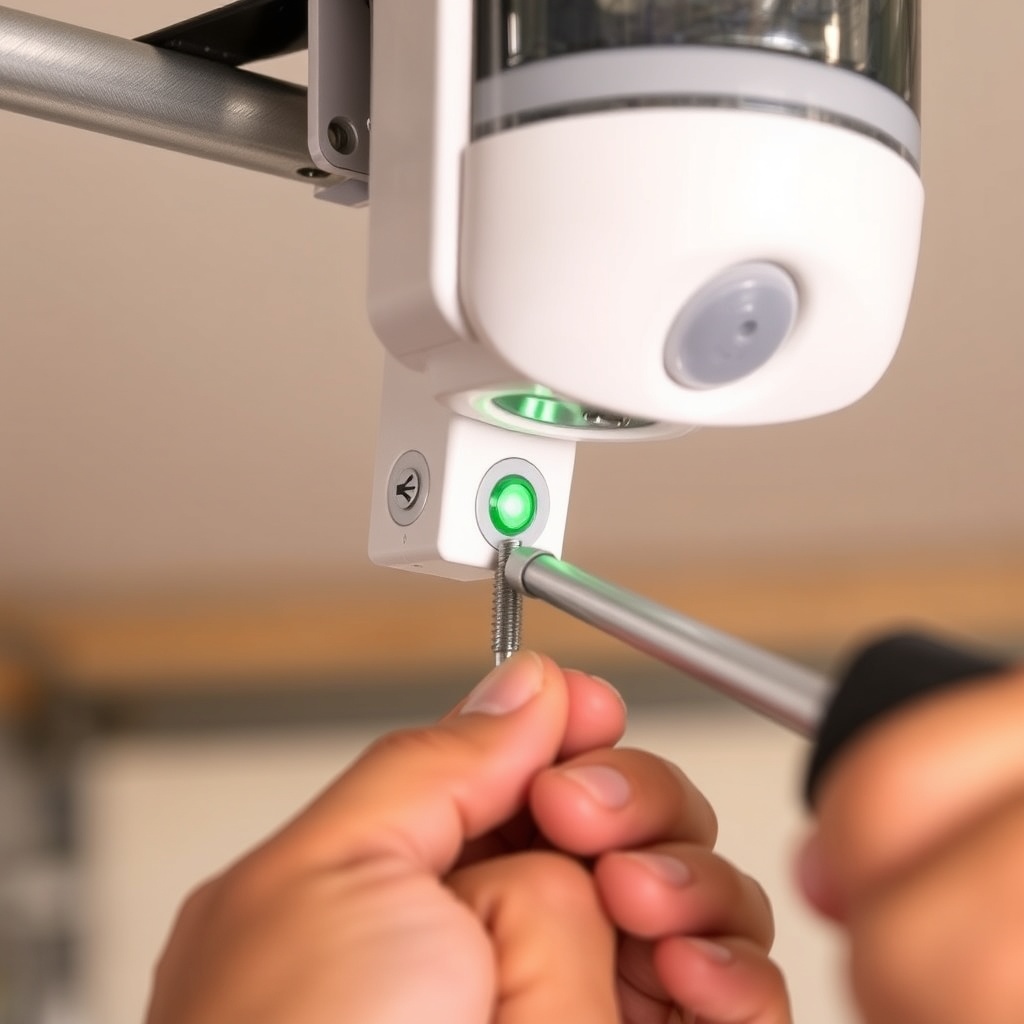
Proper alignment requires both sensors to face each other squarely. Loosen the wing nut on each sensor bracket just enough to allow adjustment, but keep the bracket stable. Slide the sensor up or down until the indicator light becomes steady and bright. On most Chamberlain B1381 units, the receiving sensor’s green LED will glow solidly when aligned. Tighten the wing nuts securely—do not overtighten, as this can crack the plastic housing.
If the sensor lights still refuse to cooperate, check the bracket itself for bending or damage. A bent bracket will never allow proper alignment. Replace any bent bracket immediately. Also verify that the rails are level—door track misalignment can throw sensors off. For more on how limit settings affect the travel path, refer to our Chamberlain B1381 Limit Switch Adjustment: Precise Calibration Guide.
3. Could a Wiring Fault Be Causing My Sensor Problem?
Yes. The wiring between the sensor and the opener logic board is a common failure point, especially in garages with rodents or moisture. Inspect the white-and-white-with-black-stripe wire pair from each sensor. Look for cuts, chew marks, or corroded connections at the sensor terminals and at the opener terminal block. A poor connection will cause intermittent signal loss, making the door stop mid-travel or refuse to close.
Use the following severity table to decide whether a simple splice will fix the issue or if a full replacement is necessary:
| Damage Type | Severity Level | Recommended Action | Estimated Cost (GBP) |
|---|---|---|---|
| Minor nick in insulation, wire intact | Low | Wrap with electrical tape or use heat-shrink tubing | £1–£3 |
| Wire cut but less than 15 cm of length needed | Medium | Splice with waterproof butt connectors; test continuity | £5–£8 |
| Wire severed near the sensor head or at connector | High | Replace the entire sensor wire harness; may require a new sensor pair | £20–£35 |
| Signs of corrosion, rodent damage, or bare copper over 20 cm | Critical | Replace both sensors and wiring; inspect opener terminal | £40–£60 |
If you choose to splice, ensure the connection is weatherproof. A loose splice can cause the auto-reverse feature to trip unpredictably. For a more advanced solution to sensor protection, consider the Chamberlain B1381 Ultrasonic Sensor Installation: Enhanced Safety Upgrade.
4. What Is the Chamberlain B1381 Auto-Reverse Feature and How Do I Test It?
The auto-reverse mechanism is a legal requirement for all garage door openers sold in the UK and EU. It forces the door to reverse direction if it meets resistance while closing—most commonly triggered when a safety beam is broken. The Chamberlain B1381 uses two separate systems: the photoelectric sensors (discussed above) and a force-sensing circuit that detects obstructions. Both must function correctly.
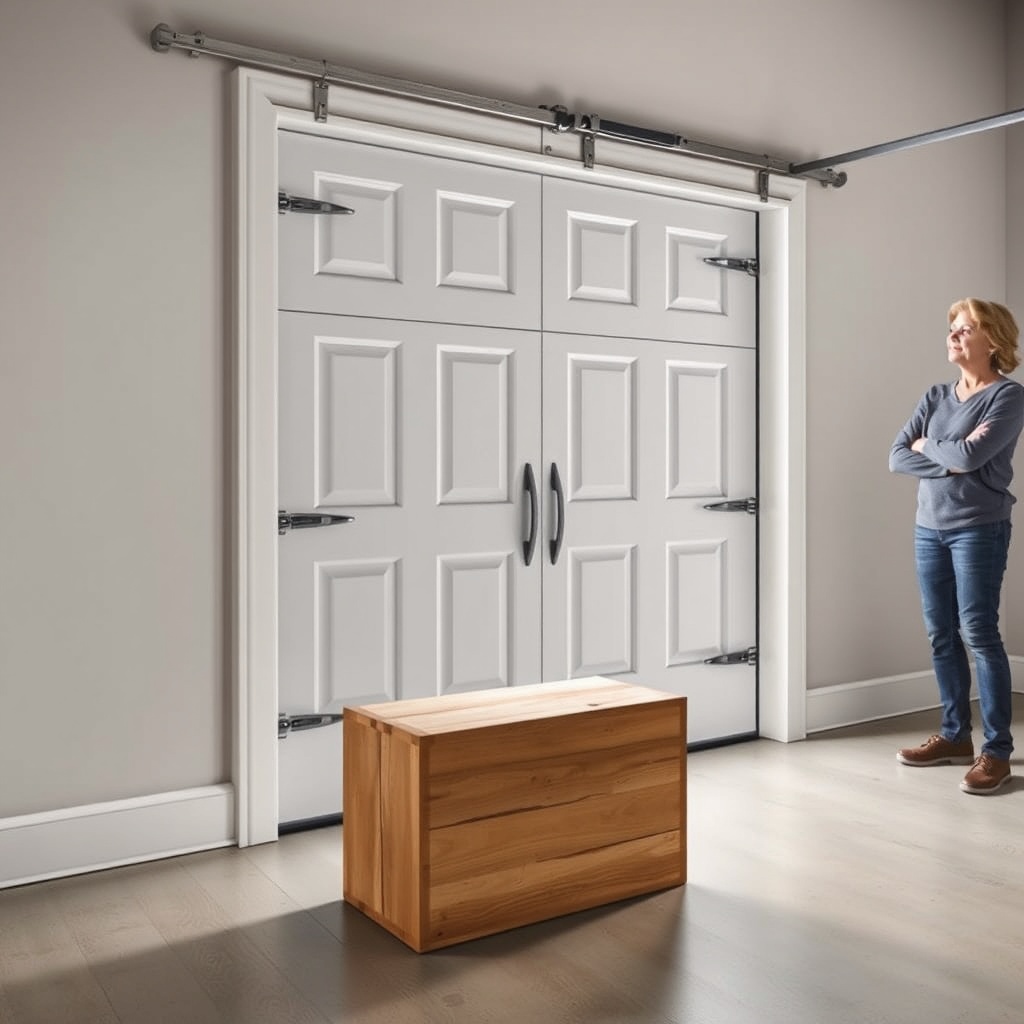
To test the auto-reverse, place a sturdy object—like a block of wood—on the floor directly in the door’s path. Activate the close cycle. The door should contact the object, then immediately reverse and open. If the door crushes the object or does not reverse, the force settings are too high. Reduce the force adjustment on the opener according to the Chamberlain B1381 owner’s manual. Re-test until the door reverses within two seconds of contacting the object. Never disable the safety sensors, as this voids the warranty and creates a serious crushing hazard.
5. My Chamberlain B1381 Door Reverses When It Shouldn’t—Why?
A door that reverses during the closing cycle without any obvious obstruction often points to a phantom sensor issue. This can be caused by reflected sunlight hitting the receiving sensor, a dirty lens, or loose sensor brackets that vibrate as the door moves. Check the sensor alignment again, but this time watch the indicator light for any flickering while the door is in motion. A steady flicker indicates vibration in the bracket or track—tighten all bolts.
Another frequent cause is a partially blocked beam during certain times of the day—for instance, direct sunlight peaking through a side window. Many homeowners install ultrasonic sensors to supplement the infrared system in high-glare environments. If phantom reversal occurs only during windy weather, check for a loose wire or track misalignment. For noise-related vibration symptoms that could affect sensor stability, see Chamberlain B1381 Opener Drive Noise Diagnosis: Chain vs Belt.
6. Should I Replace the Sensors with an Upgraded System?
If your Chamberlain B1381 sensors are over ten years old, or if you have repeated alignment issues after track repairs, replacement is a wise investment. The standard infrared sensors work well in normal conditions, but they can be prone to false triggers from reflective surfaces, condensation, or strong light. Upgrading to a wireless ultrasonic sensor system eliminates the need for floor-level wiring and offers better detection of low-profile obstacles like a child’s toy or a small pet.
When replacing sensors, always buy a matching pair designed for the Chamberlain B1381. Generic sensors may not communicate correctly, causing the opener to flash error codes. Installation is straightforward—simply disconnect the old sensors at the terminal block and connect the new ones using the same colour code: white to white, white/black to white/black. After installation, run a full cycle test. If the opener still shows an error, refer to our Chamberlain B1381 WiFi Setup Issues: Step-by-Step Solutions Guide to rule out logic board or network conflicts.
What Owners Say About Chamberlain B1381 Sensor Reliability
Most owners praise the Chamberlain B1381 sensors for their consistent performance after a simple alignment. One homeowner from Manchester noted, “I had to re-aim the sensors after I stored a bin bag too close. Once cleaned and tightened, they’ve been flawless for two years.” However, a minority report that the included brackets are prone to bending if hit by a broom handle. Replacement brackets are readily available online for around £8–£12. The general consensus: the sensors are reliable, but the brackets could be sturdier. Several owners also recommend upgrading to belt drive maintenance if belt slippage coincides with sensor faults, as a slipping belt can cause jerky motion that misaligns the sensors.
Frequently Asked Questions
Q: What does it mean when both Chamberlain B1381 sensor lights are off?
A: Both lights off usually means no power is reaching the sensors. Check the wiring at the opener terminal block and ensure the sensor wires are making contact. Also verify the garage door opener is plugged in and has power.
Q: Can I bypass the safety sensors on my Chamberlain B1381?
A: No. Bypassing the safety sensors is illegal in the UK and most jurisdictions. It also creates a severe crushing hazard for children and pets. Never disable these sensors.
Q: How often should I clean the Chamberlain B1381 sensor lenses?
A: Clean the lenses every three months or more often if your garage is dusty or has spider activity. Use a dry microfiber cloth. Do not use chemical cleaners that could scratch the plastic.
Q: My Chamberlain B1381 sensors work sometimes but not others—why?
A: Intermittent operation is most often caused by loose wiring connections, a failing sensor, or reflected sunlight. Inspect all wire terminals and consider replacing the sensor pair if the problem persists.
Q: Do I need professional help to align Chamberlain B1381 sensors?
A: Most homeowners can align the sensors themselves in under 15 minutes. However, if you have limited mobility or the bracket appears damaged, a professional can do the job for approximately £30–£50 service call fee.
Q: Can extreme cold or heat affect the Chamberlain B1381 sensors?
A: Yes. Extreme temperatures can cause condensation on the lens, which blurs the beam. Also, metal brackets can contract in cold weather, shifting alignment slightly. Regular seasonal checks are recommended.