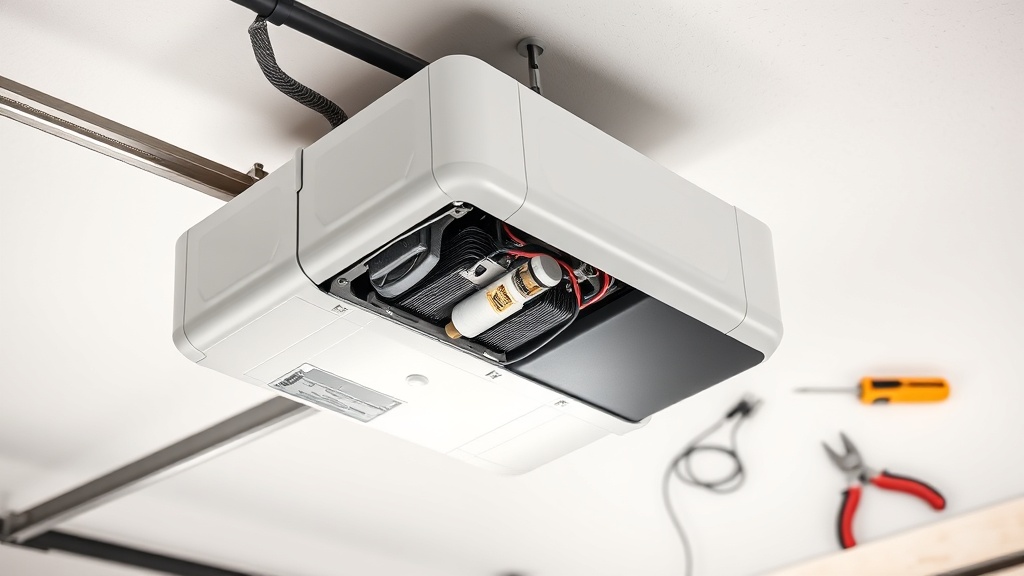
Why Would You Need to Replace the Motor Brushes on a Chamberlain B1381?
Motor brush wear is a natural process in any high‑traction DC garage door opener like the Chamberlain B1381. Over time, the carbon brushes inside the motor erode, reducing contact with the commutator and leading to intermittent operation, sluggish performance, or a grinding noise. Replacing the brushes instead of the entire motor assembly is a cost‑effective repair—typically between £25 and £45 for a genuine Chamberlain B1381 brush kit—and can restore the opener’s lift speed and reliability without replacing the whole unit.
This guide covers everything you need to know: symptoms, tools, step‑by‑step replacement, and what to do if problems persist after brushing.
What Are the Warning Signs That the Chamberlain B1381 Motor Brushes Are Worn?
Recognising brush wear early can prevent damage to the motor armature. Look for these common indicators:
- Slow opening or closing speed – The door moves noticeably slower than usual, especially on colder mornings.
- Grinding or screeching noise – A high‑pitched squeal when the motor runs signals uneven brush contact.
- Intermittent stop‑start – The opener stops mid‑cycle, then restarts or reverses without sensor activation.
- Burning smell – Overheated brushes emit a distinct odour of carbon and copper.
- Error code flashing on the B1381 wall console – Codes like “4‑1” or “5‑1” often indicate motor or brush issues (see our Chamberlain B1381 Error Code Decoder: Troubleshooting Common Faults).
If you notice two or more of these signs, it’s time to inspect the motor brushes.
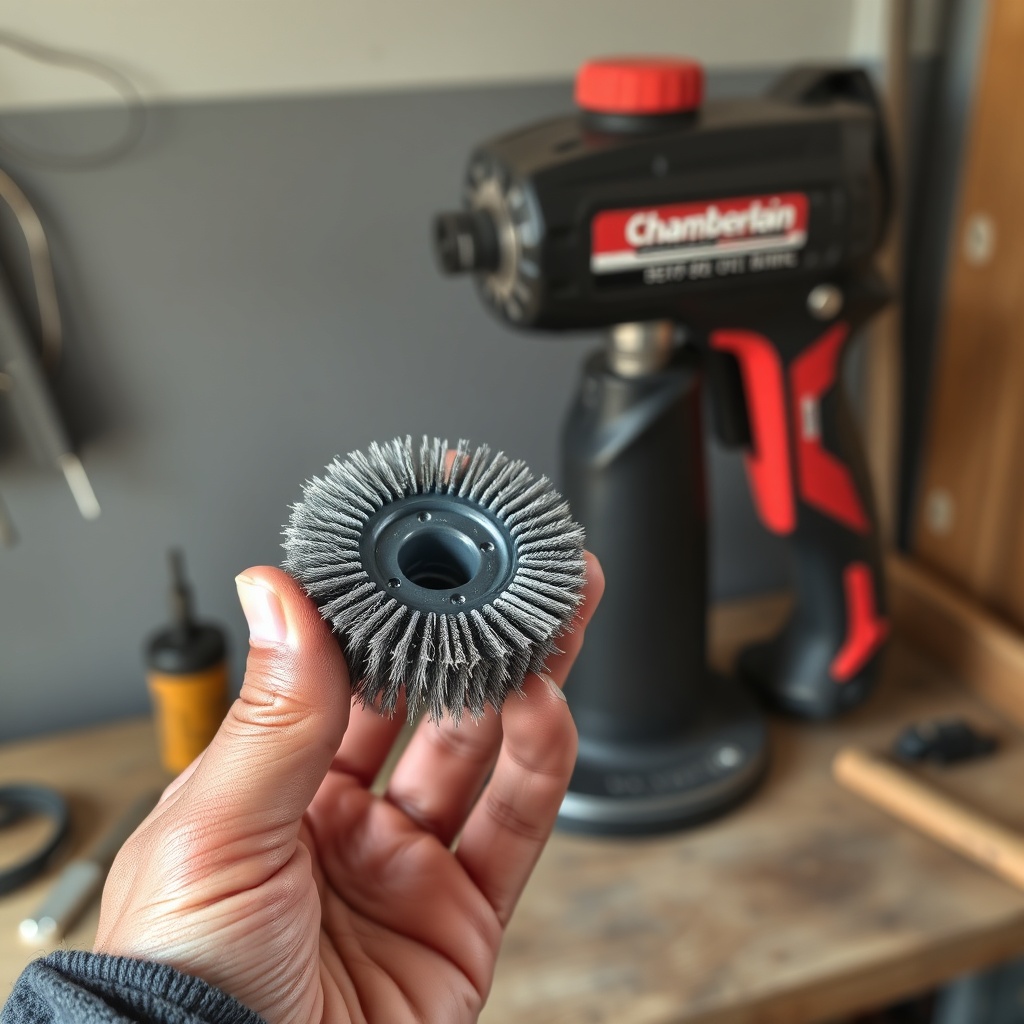
What Tools and Parts Do You Need for a Chamberlain B1381 Brush Replacement?
Performing the replacement yourself is straightforward with basic tools. Here’s what you require:
| Item | Specification | Estimated Cost (GBP) |
|---|---|---|
| Chamberlain B1381 brush kit (genuine) | Pair of carbon brushes (6×12 mm, pre‑formed) | £28 – £38 |
| Phillips screwdriver (No. 2) | Magnetic tip recommended | £5 – £10 |
| Flat‑blade screwdriver (small) | For prying brush caps | £3 – £7 |
| Needle‑nose pliers | For spring retraction | £6 – £12 |
| Multimeter | Continuity test (optional but helpful) | £15 – £30 |
| Safety glasses | Essential for spring‑loaded parts | £4 – £8 |
Always buy genuine Chamberlain brushes because aftermarket sets often have incorrect spring tension, leading to premature wear or arcing.
How Do You Safely Replace the Motor Brushes on a Chamberlain B1381?
Follow these steps carefully. Disconnect mains power at the fuse box before touching any internal components.
- Remove the opener cover – Unplug the unit, then unscrew the four Philips screws on the back panel. Slide the cover off.
- Locate the motor brush holders – On the Chamberlain B1381, the two brush holders are on the top‑right side of the motor housing, opposite the capacitor. Each is held by a single spring clip.
- Extract the old brushes – Using the flat screwdriver, gently pry the spring clip outward. Pull the brush assembly straight out. Inspect the brush length: if less than 5 mm remains, replacement is due.
- Clean the commutator – Wipe the copper segments with a lint‑free cloth soaked in electrical contact cleaner. Do not use abrasive pads.
- Install new brushes – Insert the new brush into the holder with the curved face against the commutator. Press firmly until the spring clip snaps into place. Repeat for the second brush.
- Manual rotation test – Rotate the motor shaft by hand a few turns. You should feel smooth resistance. No grinding or binding should occur.
- Reassemble and test – Replace the cover, reconnect power, and run a full open/close cycle.
If the motor still runs rough after replacement, check the Chamberlain B1381 Safety Sensor Alignment Guide: Troubleshooting Tips – misaligned sensors can mimic motor problems.
What Should You Do If the Chamberlain B1381 Still Malfunctions After Brush Change?
A brush swap resolves about 80% of motor‑related issues, but persistent symptoms require further diagnosis. Common follow‑up steps include:
- Verify brush seating – Remove each brush again and ensure the spring isn’t twisted. A misaligned spring reduces contact pressure.
- Test the motor capacitor – A failing capacitor can cause slow starting. Use a multimeter in capacitance mode; replace if reading is ±20% off the rated value (typically 4 µF for the B1381).
- Check the drive system – Worn belts or chains add motor strain. See our Chamberlain B1381 Belt Replacement: Step-by-Step DIY Guide if the belt shows fraying or cracking.
- Inspect the travel limits – Incorrect limit settings force the motor into overcurrent. Recalibrate using the wall console (hold Set until UP arrow flashes, then adjust).
- Examine the WiFi module – Intermittent connectivity can cause false stop signals. Refer to Chamberlain B1381 WiFi Setup Troubleshooting: Network Compatibility Issues Explained.
What Do Owners Say About the Chamberlain B1381 Motor Brush Replacement Process?
Homeowners who have tackled this repair generally praise its cost‑effectiveness. David from Norwich wrote, “The genuine brush kit was £32 and took 20 minutes. My B1381 runs like new – saved me £150 on a whole motor assembly.” Others note that the most challenging part is removing the spring clips without scratching the motor housing. A few users mention that if the brushes have worn unevenly (one much shorter than the other), the armature may already be damaged. In those cases, complete motor replacement is advised. Overall, regular brush inspection every 12–18 months of heavy use is a common recommendation from forum members.
Frequently Asked Questions
1. How often should the Chamberlain B1381 motor brushes be replaced?
Under moderate use (1–2 cycles per day), expect to replace brushes every 5–7 years. Heavy daily cycles (say, 8+ times per day) may require replacement every 2–3 years.
2. Can I use generic carbon brushes instead of the Chamberlain B1381 kit?
Technically yes, but not recommended. Genuine brushes have the correct spring tension and carbon grade. Generic sets often cause arcing, which can burn the commutator and reduce motor lifespan by 40% or more.
3. Do I need to lubricate the brushes after installation?
No. Motor brushes are self‑lubricating; applying grease or oil attracts conductive dust and can cause brush chatter. Only lubricate the drive components as per your Chamberlain B1381 Roller Chain Lubrication and Maintenance Guide.
4. What error codes indicate a brush problem on the B1381?
Codes “4‑1” (motor overcurrent) and “5‑1” (motor disconnected) are most common. Check our Chamberlain B1381 Error Code Decoder for full diagnostics.
5. Can worn brushes affect the safety sensors?
Indirectly yes. When brushes wear, the motor draws more current, which can cause voltage drops in the opener’s logic board. This often leads to intermittent sensor faults. Align sensors properly to rule out false triggers – see the Chamberlain B1381 Safety Sensor Alignment Guide.
6. Should I replace both brushes even if only one looks worn?
Always replace as a pair. Uneven wear indicates asymmetry in spring tension or commutator contact, and reusing one old brush will lead to accelerated wear of the new one.