Why Will My Genie SilentMax 1200 Not Connect to the WiFi During Setup?
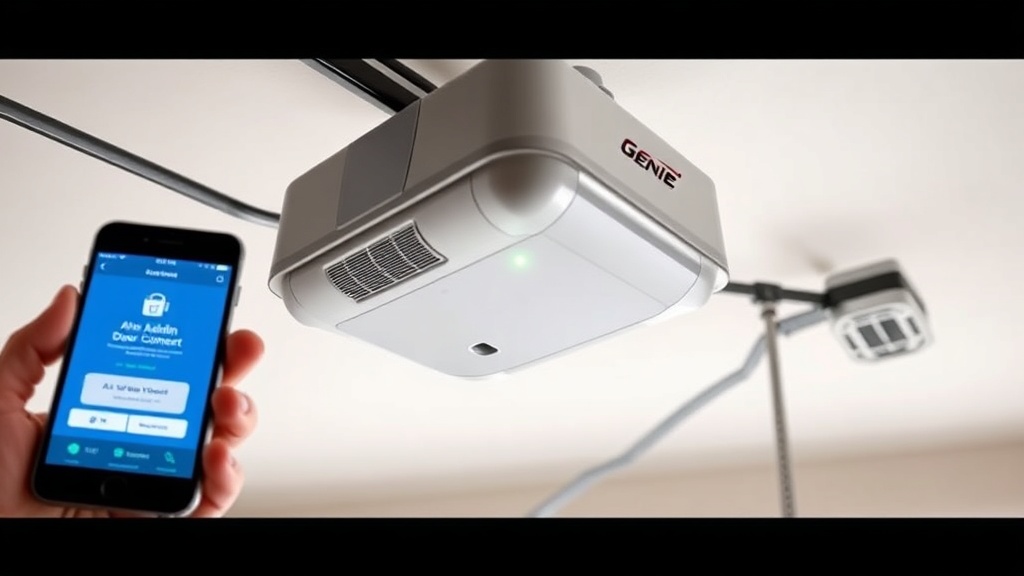
A stubborn WiFi connection during the initial setup of your Genie SilentMax 1200 is one of the most frequent troubleshooting calls we receive. The opener relies on a stable 2.4GHz wireless network, and many modern home routers broadcast a combined 2.4GHz and 5GHz signal, which can confuse the unit. Start by checking that your smartphone is connected to the 2.4GHz band specifically—most routers allow you to name the two bands separately or temporarily disable the 5GHz band in the router settings. Also confirm that the opener’s wireless module LED is blinking rapidly; a steady red or off LED indicates the module is not in pairing mode. If you have changed your home router recently, you must reset the opener’s WiFi module using the small pinhole button on the motor housing. Press and hold it for 10 seconds until the LED flashes amber, then repeat the setup through the Aladdin Connect app.
What Should I Do If the WiFi Drops After the Initial Pairing?
Intermittent disconnection after a successful pairing often points to signal interference or a weak router signal reaching the garage. The Genie SilentMax 1200’s internal WiFi antenna is located near the motor head, so if your router is more than 15 metres away or behind thick concrete walls, consider a WiFi range extender placed within 10 metres of the garage door. Additionally, check for other 2.4GHz devices—like baby monitors or cordless phones—that might share frequencies. Go into the Aladdin Connect app and look for a “Signal Strength” indicator; a value below 60% typically leads to dropouts. If you have recently updated the opener motor with a Genie SilentMax 1200 Opener Motor Replacement: DIY Step-by-Step Guide, verify that the replacement motor’s wiring harness for the WiFi module is fully seated, as a loose connection mimics WiFi failure.

How Do I Reset the Genie SilentMax 1200’s WiFi Module Without the App?
If you cannot access the Aladdin Connect app because you forgot your password or the app refuses to recognise your account, a hard reset of the WiFi module is necessary. On the back of the motor head, locate a small recessed button labelled “WiFi Reset” or “Learn”. Using a paperclip or a micro‑screwdriver, press and hold the button for 15 seconds. The LED on the wireless module will turn solid red for a moment, then start blinking green. Wait until the green flash becomes a slow, rhythmic blink—this signals that the module has cleared all previous network credentials. Next, open the Aladdin Connect app, select “Add a Device”, and follow the step-by-step instructions. Ensure your smartphone’s Bluetooth is enabled, as the Genie SilentMax 1200 uses Bluetooth for the initial handshake before switching to WiFi. For a deeper dive into the motor’s control board, see our Genie SilentMax 1200 Opener Motor Limit Switch Testing: DIY Troubleshooting guide that can help isolate WiFi issues from control board faults.
Can a Faulty Capacitor Cause WiFi Connection Problems?
While rare, a failing capacitor in the opener motor can produce electrical noise or voltage drops that interfere with the WiFi module’s performance. If your Genie SilentMax 1200 experiences frequent WiFi disconnections alongside symptoms like a humming motor, slow door movement, or flickering lights, a capacitor check is advised. The capacitor stores energy to help the motor start; when it deteriorates, the voltage supplied to the logic board (which contains the WiFi module) can dip below the required 12V DC. Use a multimeter to test capacitance—the safe range is between 140 and 170 microfarads for the standard unit. If the reading is significantly lower, replacement is necessary. Refer to our Genie SilentMax 1200 Opener Motor Capacitor Replacement: DIY Step-by-Step Guide for the exact procedure. After replacing the capacitor, reconnect the WiFi module and see if the connection holds for at least 24 hours.
What Are the Correct Aladdin Connect App Settings for the Genie SilentMax 1200?
Incorrect app settings are a common oversight that can mimic hardware failure. Open the Aladdin Connect app and navigate to “Device Settings” for your SilentMax 1200. Ensure that “Remote Access” is enabled; without it, you cannot connect from outside your home network. Under “Garage Door Settings”, verify that the door type is set to “Standard” and that the travel limit settings match your door’s physical dimensions. If you have performed a Genie SilentMax 1200 Limit Switch Adjustment: Step-by-Step Calibration Guide, the app should automatically sync the new limit positions, but sometimes a manual sync is required—tap “Sync Now” in the app. Also check the “Firmware Update” section; outdated firmware on the opener can cause WiFi handshake failures. The app typically prompts you, but you can manually check by tapping the gear icon and selecting “Check for Updates”. If an update is stuck at “Installing”, remove the opener from the app and re-pair it.
How do I distinguish WiFi Troubles from Motor Drive Board Failure?
This is the most critical diagnostic question. If the WiFi LED on the motor head is solid green but the door refuses to open via the app, the issue is likely with the motor’s drive board, not the wireless module. Listen for a click when you send a command from the app—if you hear a relay click from the motor but the door does not move, the drive board may have a failed relay or a blown track. In contrast, if the LED does not light up or stays red, the WiFi module itself is not receiving power or is dead. A quick test: disconnect the WiFi module (unplug the small ribbon cable) and operate the door using the wall control. If the wall control works but the app does not, the module needs replacement. However, if both the wall control and the door fail, the problem resides in the motor or its wiring. For systematic troubleshooting of motor drive issues, our Genie SilentMax 1200 Opener Drive Noise Diagnosis: Chain vs Belt guide can help you identify mechanical versus electrical failure points.
| WiFi Issue | Common Cause | Severity Level | Action |
|---|---|---|---|
| LED off entirely | Module not powered or dead | Critical – replace module | Check ribbon cable; replace module if no power |
| LED solid red | WiFi module in fault state | Moderate – needs reset | Press and hold WiFi reset button for 15 sec |
| LED blinking rapidly | Module in pairing mode but not connecting | Moderate – router configuration | Force 2.4GHz band, disable 5GHz temporarily |
| LED solid green but no app control | Drive board or relay failure | High – could require motor work | Test wall control; inspect drive board |
| Intermittent drops | WiFi interference or weak signal | Low to moderate | Add range extender; check capacitor noise |
What Owners Say About the Genie SilentMax 1200 WiFi Setup
Owner forums and review sites consistently mention that the Genie SilentMax 1200 offers excellent value at around £220 to £280, but the WiFi setup can frustrate less tech‑savvy users. One frequent compliment is the ultra‑quiet operation: the belt‑drive system produces just 41 decibels, making it ideal for garages attached to bedrooms. However, several owners note that after a firmware update, the WiFi module sometimes fails to reconnect unless the unit is power‑cycled by pulling the emergency release and turning off the breaker for 30 seconds. A common suggestion from long‑term users is to label your router’s 2.4GHz SSID clearly and ensure the opener is not placed near metal shelving or electrical panels that can block the signal. Many also recommend pairing the opener with a Genie SilentMax 1200 Spring and Cable Replacement: Step-by-Step Guide to maintain overall door balance, as an unbalanced door can cause the motor to stop mid‑travel, which the app may misinterpret as a WiFi dropout.
Frequently Asked Questions
Why does my Genie SilentMax 1200 WiFi LED stay off even after reset?
If the LED stays off after a 15‑second reset press, the WiFi module may have a hardware failure. Check the small ribbon cable connecting the module to the main logic board—if it is loose or damaged, replace it. If the cable is fine, the module itself likely needs replacing, costing roughly £45 to £60.
Can I use a WiFi extender with the Genie SilentMax 1200?
Yes, a 2.4GHz WiFi extender is often the best solution for weak signals. Place the extender within 10 metres of the garage door, ensuring it connects to your router via Ethernet if possible. The opener will treat the extender as the primary access point.
Does the Genie SilentMax 1200 require a subscription for app use?
No, the Aladdin Connect app is free to download and use. There are no subscription fees for basic remote control and scheduling. Premium features like activity logs and guest access may require a one‑time upgrade, but core WiFi functionality is free.
How do I update the firmware on my Genie SilentMax 1200?
Open the Aladdin Connect app, go to Settings > Device Preferences > Firmware Update. If an update is available, tap “Install”. Ensure the door is in a fully closed position and do not operate the door during the update, which takes roughly 2 to 5 minutes. If it fails, restart the app and try again.
Will a power outage affect my Genie SilentMax 1200 WiFi settings?
No, the WiFi credentials are stored in non‑volatile memory and survive a power outage. However, if the outage lasts more than a few minutes, the router may change its channel or reconfigure, requiring a simple reconnection through the app. Manual reset is rarely needed.
Can I connect two smartphones to one Genie SilentMax 1200?
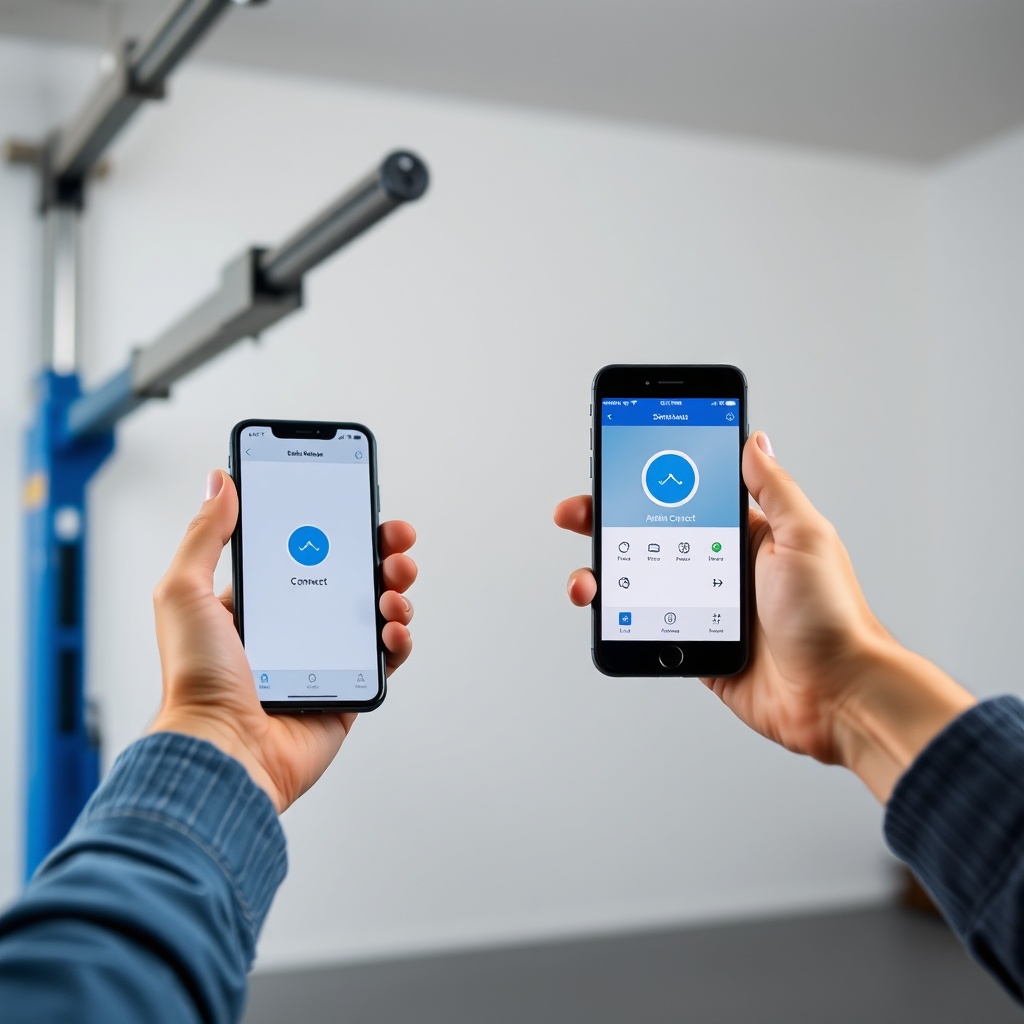
Yes, the Aladdin Connect app allows multiple users. One phone sets up the opener as the primary admin, then shares access by sending an invite via email or text. Up to four devices can be linked simultaneously.