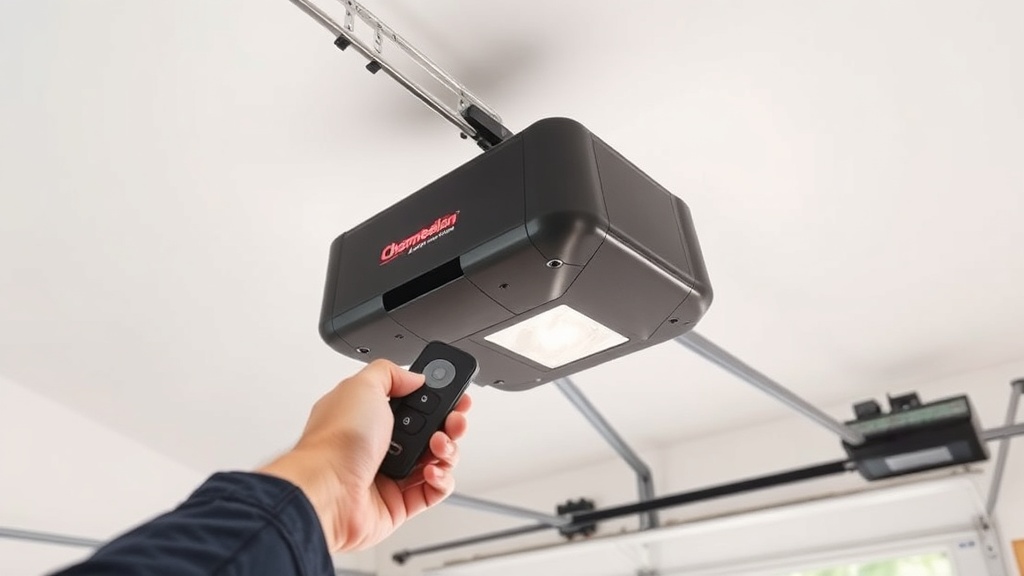
What Causes the Chamberlain B1381 Remote to Lose Range All of a Sudden?
If your Chamberlain B1381 garage door opener suddenly fails to respond from the end of the driveway—or even from inside the car—the problem almost always traces back to one of three root causes: interference from external electronics, a failing internal antenna connection, or a depleted battery in the remote itself. Many homeowners quickly assume it’s a motor or board failure, but in reality, range issues are often simpler to diagnose and fix without calling a technician.
The Chamberlain B1381 is a heavy‑duty 1‑1/4 HP belt‑drive opener designed for residential and light commercial use. When working correctly, the remote should operate reliably from at least 150‑200 feet under open conditions. If you’re seeing a 10‑foot range or zero response, this guide walks through the most common fixes, starting with the simplest.
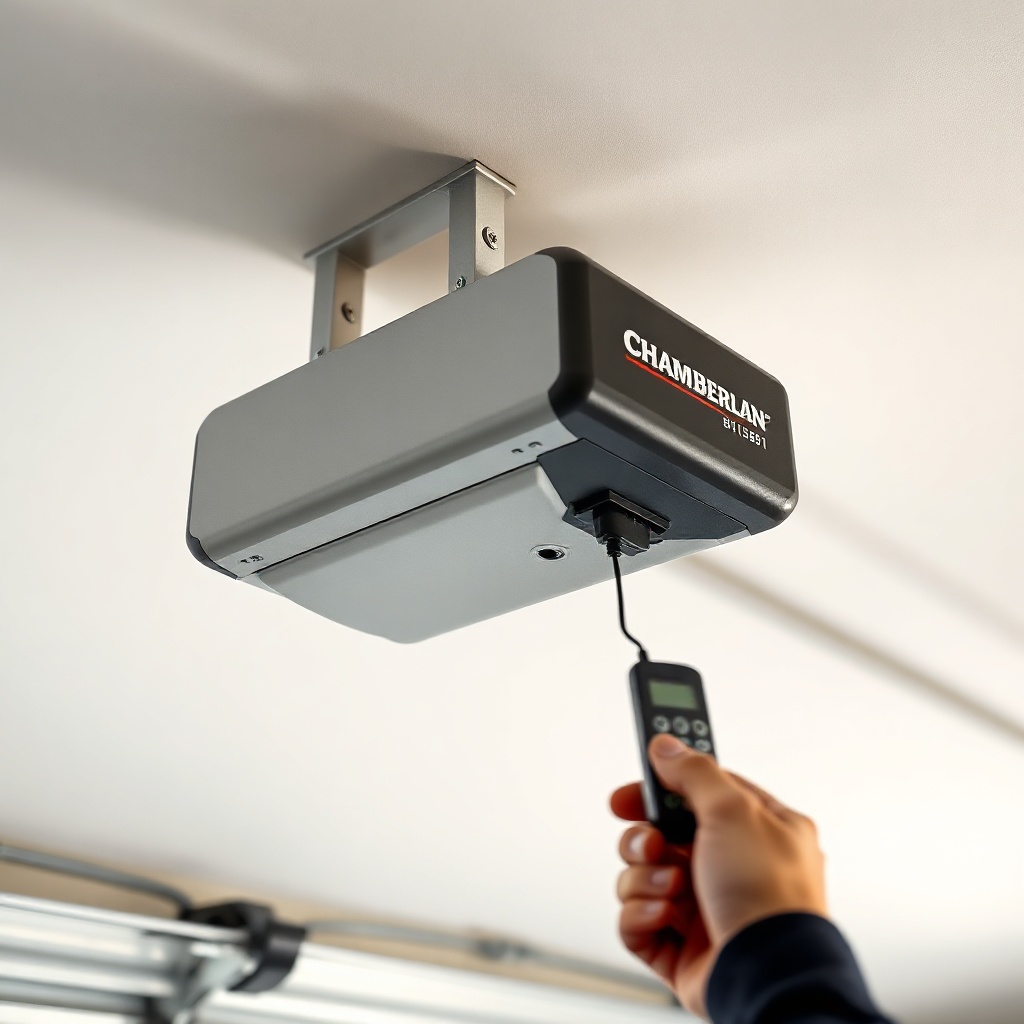
Checking the Remote Battery First
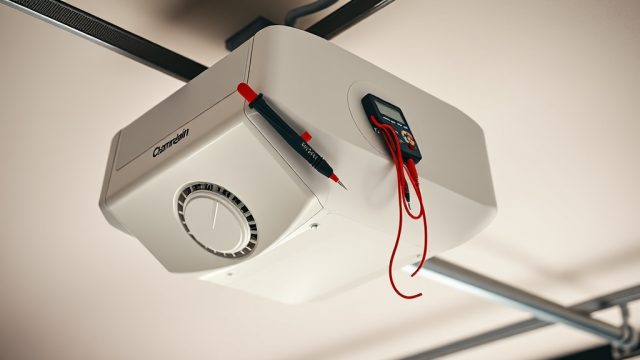
Before touching any wiring, replace the remote’s battery with a fresh CR2032 lithium coin cell. Many aftermarket batteries have a slightly lower voltage and cause range loss after only a few months. Use a multimeter on the old battery; anything below 2.8V under load can reduce transmitter power. If the battery is fine, proceed to the opener’s antenna.
Why Does the Chamberlain B1381 Antenna Wire Affect Remote Range?
The Chamberlain B1381 uses a long, exposed antenna wire (typically 15‑18 inches) that must hang straight down from the motor unit. If this wire is pinched against the metal chassis, coiled up inside the housing, or touching a metal garage door track, it effectively becomes a “dead” antenna. The radio signal cannot propagate properly, and range drops to just a few feet.
Inspect the antenna wire visually. It runs from the circuit board inside the opener, through a small opening in the backplate, and should be completely free. Straighten any kinks and ensure it hangs vertically, with at least six inches of clearance from any metal surface. Do not shorten it; the length is tuned to the 315MHz or 390MHz frequency used by the remote.
Antenna Placement and Interference
Also consider the garage’s environment. If your opener sits near a metal‑stud wall, a water heater, or a fluorescent light fixture, the antenna might be shielded. Reposition the opener’s antenna wire so it points downward and away from those sources. For severe interference, a simple WiFi setup troubleshooting guide on our site shows how to check for 2.4GHz router signals that can jam the remote frequency.
| Symptom | Likely Cause | Severity | DIY Fix? |
|---|---|---|---|
| 10‑20 ft range | Battery low or antenna pinched | Low | Yes |
| 0 ft (no response) | Dead battery or failed receiver board | Medium | Often |
| Intermittent dropouts | 2.4GHz WiFi interference | Medium | Yes |
| Works close but not at driveway | Antenna touching metal | Low | Yes |
| Remote works, wall button fails | Wiring or sensor fault | High | See sensor guide |
Could a WiFi Router or LED Bulb Be Interfering With the Chamberlain B1381?
Yes—and this is one of the most overlooked causes of range loss. Modern WiFi routers, Bluetooth speakers, baby monitors, and even some LED bulbs (especially non‑shielded ones) emit radio noise on the 300‑400MHz band, which overlaps with the Chamberlain remote’s operating frequency. If your garage has a router mounted near the opener—or you recently installed an energy‑saving LED bulb in the opener’s light socket—the remote signal may be swamped.
To test, temporarily turn off the router/speaker or remove the LED bulb. If range improves, the interference is confirmed. Replace the bulb with a shielded “garage door opener” LED (sold by Chamberlain or third parties) that includes built‑in noise filtering. Additionally, change your router’s WiFi channel to a less congested one (e.g., channel 1, 6, or 11 for 2.4GHz). For detailed steps, see our network compatibility guide.
What About Metal Garage Door Panels?
If your garage door is made of steel or aluminum, the panels themselves can block or weaken the radio signal. In such cases, installing an external antenna extension (sold by Chamberlain as a kit) can re‑route the signal away from the metal. Mount the extension on a non‑metal surface, such as the side wall or ceiling drywall, for best results.
How Do I Diagnose a Chamberlain B1381 Receiver Board Failure?
When replacing the battery, checking the antenna, and eliminating interference all fail to restore range, the receiver board inside the opener may have a faulty component—typically a cold solder joint or a damaged capacitor. The Chamberlain B1381 uses a dedicated receiver module that can be replaced separately (part number 041A7305‑1 for most units).
Listen for the “click” sound when pressing the remote button near the opener. If you hear one click but the door doesn’t move, the board is receiving the signal but failing to communicate with the logic board. This can sometimes be fixed by power‑cycling the opener: unplug it for 30 seconds, then plug back in. If that fails, the receiver board may need replacement.
Testing the Receiver with a Wall Control
Use the wall‑mounted control (if installed). If the wall button opens and closes the door normally, the motor and logic board are fine. The issue is isolated to the remote/receiver side. You can also test with a second remote (if you have one) to rule out a defective handset.
What Error Codes on the Chamberlain B1381 Indicate a Range Problem?
The Chamberlain B1381 uses a series of diagnostic LED flashes (or a digital display on newer models) to indicate specific faults. While most error codes relate to safety sensors or motor limits, one code can point to a range issue:
- 1 flash – Indicates a wireless remote signal was detected but the door won’t move (often interference or weak signal).
- 3 flashes – Safety sensor misalignment, but can also appear if the remote signal is too weak to be recognized after a timeout.
- No flash – If the opener doesn’t flash at all when pressing the remote, the receiver isn’t receiving the signal at all.
If you see any flash pattern, first perform a safety sensor alignment check (the most common cause of 3‑flash codes). If the code persists after aligning sensors, focus on the wireless path. Note that error codes are not a precise indicator of range—they are more useful for ruling out motor or sensor faults.
Resetting the Chamberlain B1381 Remote Programming
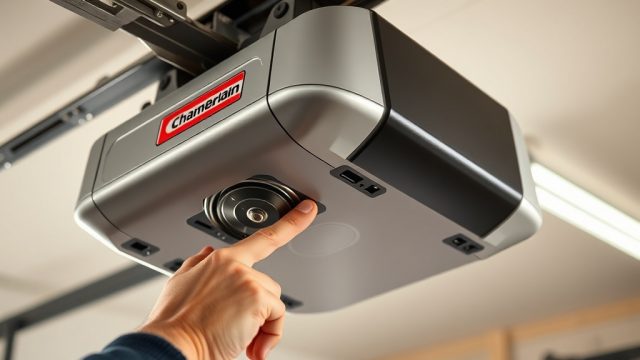
Sometimes the remote loses its “learned” code. Press the “Learn” button on the opener (usually yellow or purple) until the LED lights, then press the remote button. The opener should click or flash once. If it doesn’t, try reprogramming using the instructions inside the remote’s battery cover. Many range issues resolve after a fresh programming cycle.
What Owners Say About the Chamberlain B1381 Remote Range
Online owner forums and review pages show a consistent pattern: most users are extremely satisfied with the B1381’s overall power and belt‑drive quietness, but a vocal minority report frustrating range issues. Common real‑world complaints include:
- “Worked great for two years, then I could only open the door from 15 feet away. Replaced the remote battery—no change. Then I noticed the antenna was touching the metal bracket. Fixed that and range came back.”
- “After installing a new WiFi router in the garage, the remote stopped working unless I was right next to the opener. Switched the router to 5GHz mode and the problem went away.”
- “I thought the unit was broken, but a Chamberlain tech told me to check the LED bulb. They gave me a shielded bulb free. That solved everything.”
- “My B1381 lost range after an hour of use. The motor was hot. I turned off the opener, let it cool, and the range came back. Now I make sure not to run the door too many times consecutively.”
These testimonials highlight that the B1381 is generally reliable, but environmental factors and small user errors cause most range complaints. The motor unit itself rarely fails. For persistent issues, some owners recommend replacing the entire receiver board (costing around £30‑£50).
Frequently Asked Questions About Chamberlain B1381 Remote Range
Can a Chamberlain B1381 be used with an iPhone instead of a remote?
Yes. The B1381 has built‑in myQ® technology. Download the myQ app, create an account, and pair the opener via WiFi. Once paired, the app acts as a virtual remote with unlimited range (as long as the garage door unit has a strong internet connection). If your WiFi is weak, see our WiFi troubleshooting guide.
How do I know if my Chamberlain B1381 remote is broken?
Test the remote by holding it directly next to the opener (within 1‑2 inches). If the door operates, the remote itself is working; the issue is range. If it doesn’t operate even there, the remote may be defective or the receiver board inside the opener has failed. Try a second remote to confirm.
Does cold weather affect the Chamberlain B1381 remote range?
Yes. Extremely cold temperatures (below –20°C) can temporarily reduce battery voltage, lowering transmitter power. Keep a spare remote inside the house (not in the car) to test with a warm battery. Lithium coin cells perform better than alkaline in cold.
What is the maximum remote range for a Chamberlain B1381?
Chamberlain rates the B1381 at 150‑200 feet in clear conditions (no obstacles). In real‑world use with steel doors and nearby electronics, say 50‑80 feet is typical. If you get less than 20 feet, something is likely interfering.
Can I use a different brand remote with the Chamberlain B1381?
Only if the remote uses the same frequency (315MHz for US/Canada, 433MHz in some EU models) and is Security+ 2.0 compatible. Genie and LiftMaster remotes are not interchangeable without an adapter. Use only Chamberlain‑branded remotes for best results.
How often should I replace the remote battery?
Replace the CR2032 battery once a year—or sooner if you notice range dropping. A low battery also causes the opener to flash the lights after operation (a power‑save indication). Do not wait until the remote stops working; range degradation happens gradually.